
A practical field guide to ChatBot Sense
ChatBot Sense® is a smart and easy AI chatbot that answers customers instantly, 24/7. It is designed to save time with automatically generated replies while keeping the setup close to the information already on your website.
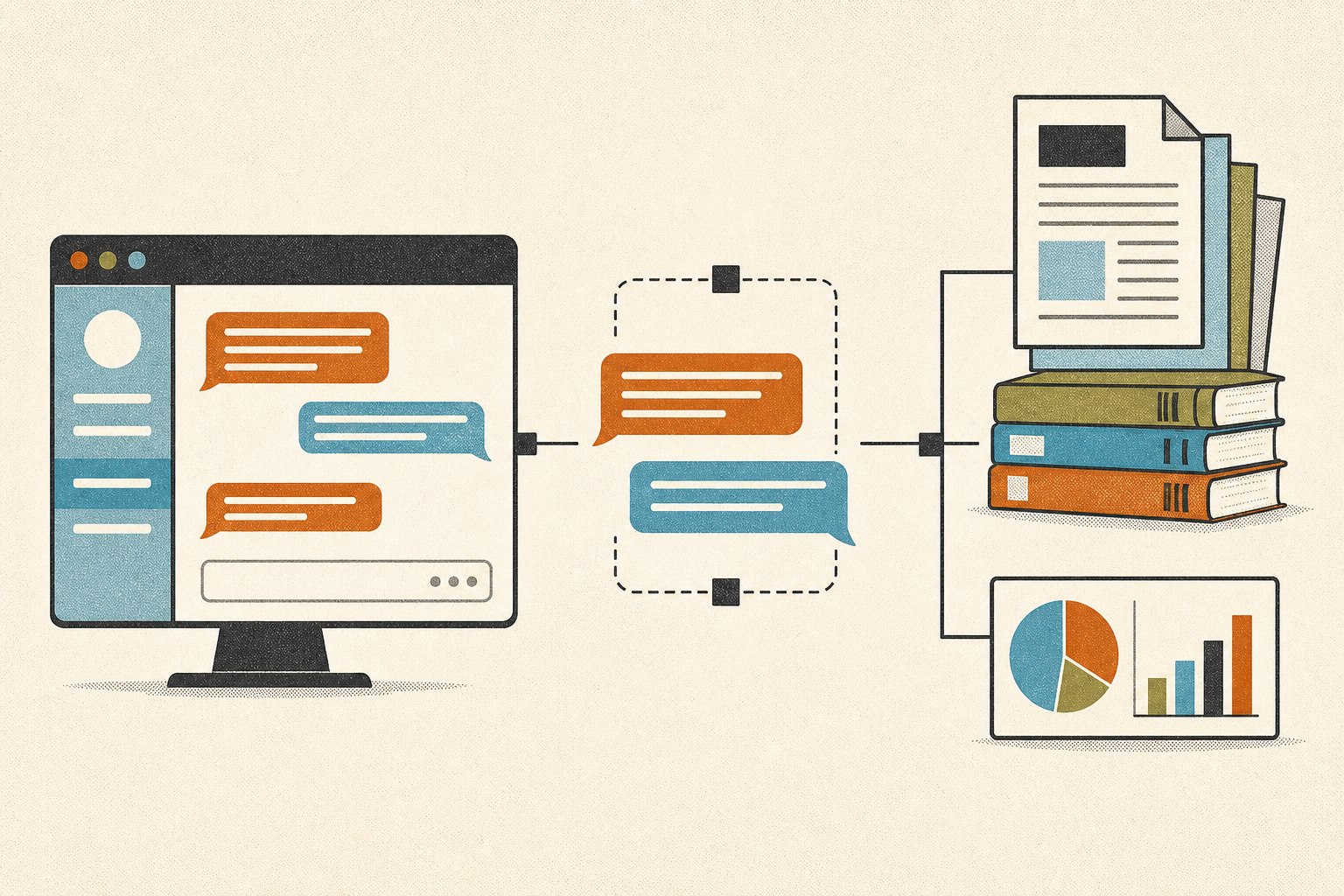
From the notebook
The working idea
The service combines a website widget with your own business details. Visitors ask ordinary support questions; the chatbot uses current information and prepared conversation flows to return a useful answer.
This keeps the system grounded in practical material: the pages customers already read, the common routes you want them to follow, and the details your team updates. The widget can be added to a website with a simple script rather than a rebuild of the support stack.
Six system notes
Website auto-scan and setup
Your website is scanned and useful conversation flows and business information are generated within seconds.
Custom conversation flows
Add personalized routes that customers can click for instant replies without using credits for those prepared exchanges.
Answers from business information
The chatbot uses your latest business details. Updating the information gives it a more accurate basis for future answers.
Custom branding
Colors and messages can be adjusted to match the look and tone of the website where the chatbot appears.
Website deployment
A small script adds the chatbot to a website, avoiding a complex installation or a change to the site platform.
Advanced analytics
Real-time information tracks credit usage, customer chats, and chatbot performance in one place.
Four-step setup sequence
- Setup and configureAdd conversation flows, write the business details, and adjust the chatbot appearance.
- Deploy anywhereAdd the widget to your website or connect it with existing support channels.
- Monitor and optimizeReview conversations and performance, then improve the available information and replies.
- Scale and succeedUse the system for routine questions while the support team concentrates on more complex work.
The credit desk
ChatBot Sense uses one-time credit packages rather than a monthly subscription. Credits power AI interactions, do not expire, and can be purchased again when needed.
| Package | One-time price | Credits | Support | Branding |
|---|---|---|---|---|
| Free | $0 | 50 | Basic | Watermark |
| Starter | $9 | 4,000 | Basic | Watermark |
| Basic Popular | $14 | 10,000 | Priority | Watermark |
| Pro | $29 | 20,000 | Priority | No watermark |
All packages include free-flow chat, 24/7 availability, and analytics. Paid packages require a payment card; purchases are final.
Quick answers
Do credits expire?
No. Credits remain in your account, so they can be used at your own pace.
What payment methods are accepted?
The service accepts major credit cards, PayPal, and other secure payment methods.
Can more credits be purchased later?
Yes. Additional credits can be purchased from the dashboard whenever they are needed.
Are refunds available?
No. Credit purchases are final and refunds are not available.