
7 Mistakes to Avoid When Picking Automated Progress Report Software
Your team is drowning in status update requests, not actual work. Someone has to chase five people through WhatsApp just to learn that a task stalled on Tuesday, and the report you promised your client is due tomorrow morning. That frustration is usually what pushes teams to start comparing automated progress report tools.
This article walks through seven mistakes that make those tools a waste of money, from ignoring how your team actually communicates to overlooking reporting gaps. You will also get a clear comparison of six options, starting with Tasks.Bot, and a practical framework for matching software to your workflow.
What to Look For in Automated Progress Report Software
Evaluating automated progress report software requires a structured approach to avoid common pitfalls that can derail your project. Buyers who skip disciplined software selection often pay for it later through rework, stalled rollouts, and unexpected fees.
Start with requirements gathering. Document which project management tools your teams already use, what data must flow between systems, and who will consume each report. This list becomes your scorecard during feature evaluation.
Next, weigh integration capabilities and data security. Confirm the platform offers API connectivity, supports your compliance obligations, and can scale as headcount and project volume grow. Pricing models deserve the same scrutiny. Compare subscription fees against the full total cost of ownership, including onboarding, training, and support tiers.
Finally, plan for user adoption. A tool with deep reporting automation still fails if the interface frustrates daily users or if dashboard customization requires developer help. Early demos and free trials reveal more about fit than any sales deck. With these criteria in hand, the red flags below become easier to spot before you sign.
Red Flags That Signal a Costly Mistake
One major red flag is a vendor that cannot provide clear documentation on data security and compliance certifications. Without that paperwork, regulated teams risk audit failures, and remediation costs can dwarf the subscription itself. Ask for certification reports directly and verify their scope covers your region and industry.
Watch for these warning signs during evaluation:
- Opaque pricing. Vendors who dodge questions about subscription fees, per-seat charges, or overage rates often bury costs in implementation and support. Request a written quote covering the full contract term.
- Weak integration capabilities. If the tool cannot connect to your existing project management tools or offers no API connectivity, staff will re-enter data by hand. That manual work erodes the ROI of reporting automation and invites errors.
- No free trial or demo. A guided demo or trial period shows how real-time reporting and dashboards behave with your data. Vendors who refuse both may be hiding usability problems.
- Poor user reviews. Check G2 Crowd, Capterra, and similar sites for patterns, not isolated complaints. Repeated mentions of slow support or broken exports signal deeper issues.
- Absence from analyst reports. Missing from resources like the Gartner Magic Quadrant is not disqualifying on its own, but it means you must dig harder into references and financial stability.
To verify each concern, ask for customer references in your industry, request a sandbox environment, and read the contract for auto-renewal and exit terms. These steps reduce the odds of vendor lock-in and protect your budget. A careful procurement process now prevents expensive regret later, especially when scalability and compliance are on the line.
1. Tasks.Bot - Best Overall
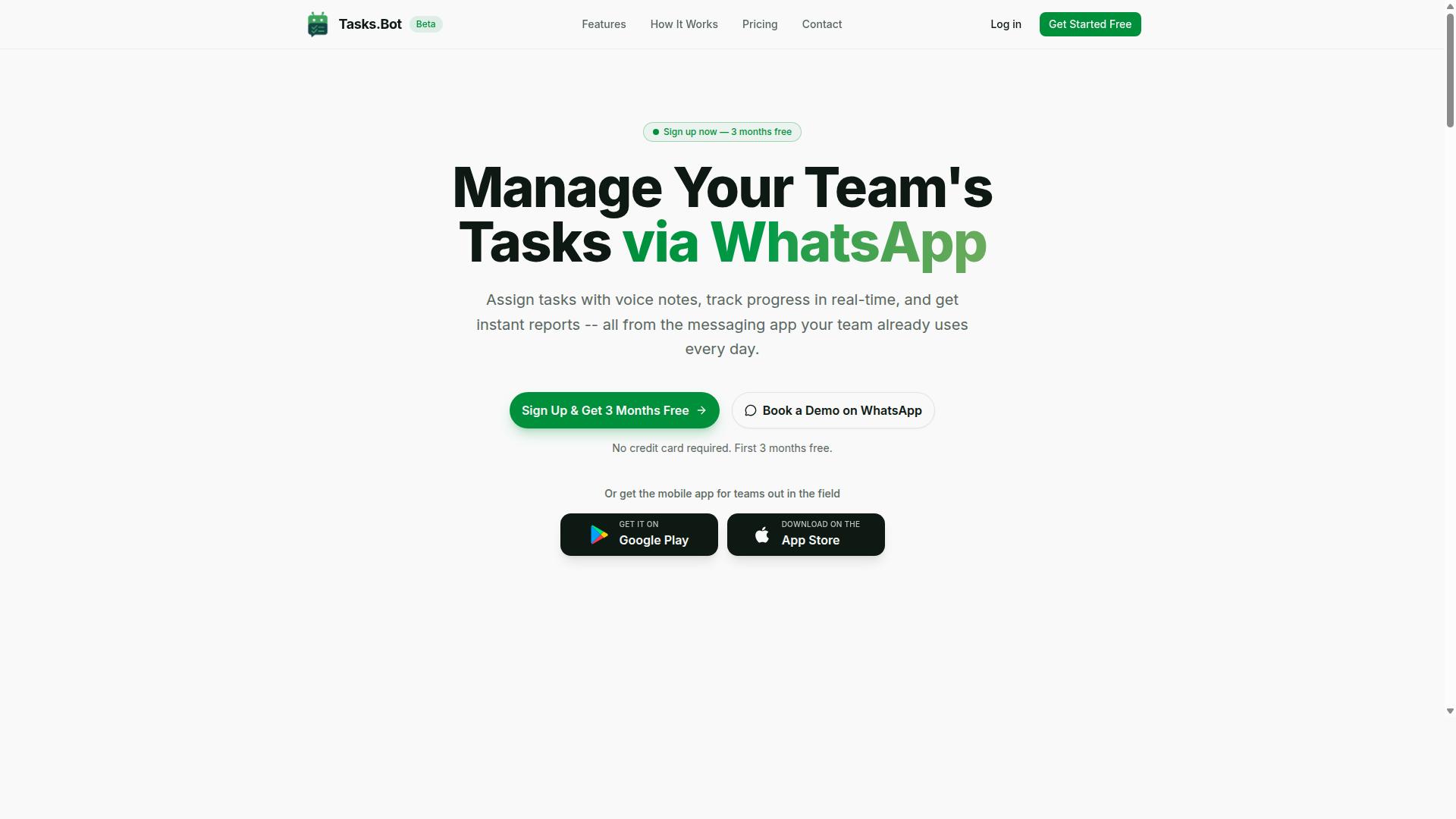
Tasks.Bot earns the top spot for its innovative approach to task management and reporting directly within WhatsApp. Instead of asking teams to learn yet another dashboard, it turns the messaging app most people already use every day into the workspace itself.
That choice matters for software selection. Many automated progress report software platforms fail not because their features are weak, but because user adoption stalls after rollout. Tasks.Bot sidesteps that risk by removing the biggest barrier: the login.
Team members do not need to install anything or create new accounts. Task assignment, deadline reminders, approvals, and instant reports all happen inside a conversation. For teams with field staff, this is a practical advantage, since updates can flow in from a phone on the move rather than a desk.
The platform is available globally and includes features such as voice note task creation, tasks on a map, a live day tracker, face-verified attendance, and shifts, leave, and hours management. Native WhatsApp integration sits at the center, supported by Android and iOS apps with push notifications, voice capture, and a home screen widget.
Pricing is transparent: ₹200 per member per month or ₹1,200 per year per member, with a 3-month free trial and no credit card required. For buyers weighing total cost of ownership, that clarity alone removes a common source of procurement regret.
How Tasks.Bot Sidesteps the 7 Common Mistakes
Tasks.Bot addresses the common mistake of complex onboarding by operating entirely within WhatsApp, requiring no new app installations or training. The table below maps each frequent misstep to the way this platform handles it.
| Common Mistake | How Tasks.Bot Addresses It |
|---|---|
| Complex onboarding and training burden | Runs fully inside WhatsApp, so there is nothing new to install and no separate account to create |
| Hidden costs and unclear pricing | Straightforward pricing at ₹200 per member per month or ₹1,200 per year per member, plus a 3-month free trial with no credit card required |
| Weak user adoption | Tasks are created through natural language and voice notes, using the messaging habits people already have |
| Poor field visibility | Face-verified attendance and live GPS tracking keep remote and field staff updates visible |
| Slow or static reporting | Instant reports deliver real-time reporting without waiting on manual compilation |
| Security and compliance doubts | Enterprise-grade encryption protects data, and conversations and task data are never shared or used for training |
| Rigid workflows that do not scale | Approvals, automations, smart deadline reminders, and shifts, leave, and hours management adapt as teams grow |
Take the onboarding mistake first. Most project management tools require a rollout plan, a training session, and a grace period before reporting data becomes trustworthy. Here, the first task can be assigned in a chat that already exists.
The reporting mistake is just as common. When progress reports depend on someone manually chasing updates, the numbers arrive late and unreliable. Instant reports shorten that loop, which supports better decisions rather than retrospective ones.
On data security, the platform applies enterprise-grade encryption, and conversations and task data are never shared or used for training. That answers a question procurement teams should always ask during feature evaluation, before signing anything.
Finally, scalability. Approvals, automations, and smart deadline reminders mean the workflow does not collapse as headcount grows. Combined with transparent pricing, that makes ROI easier to reason about than a quote full of add-on line items.
2. Reminderly.ai
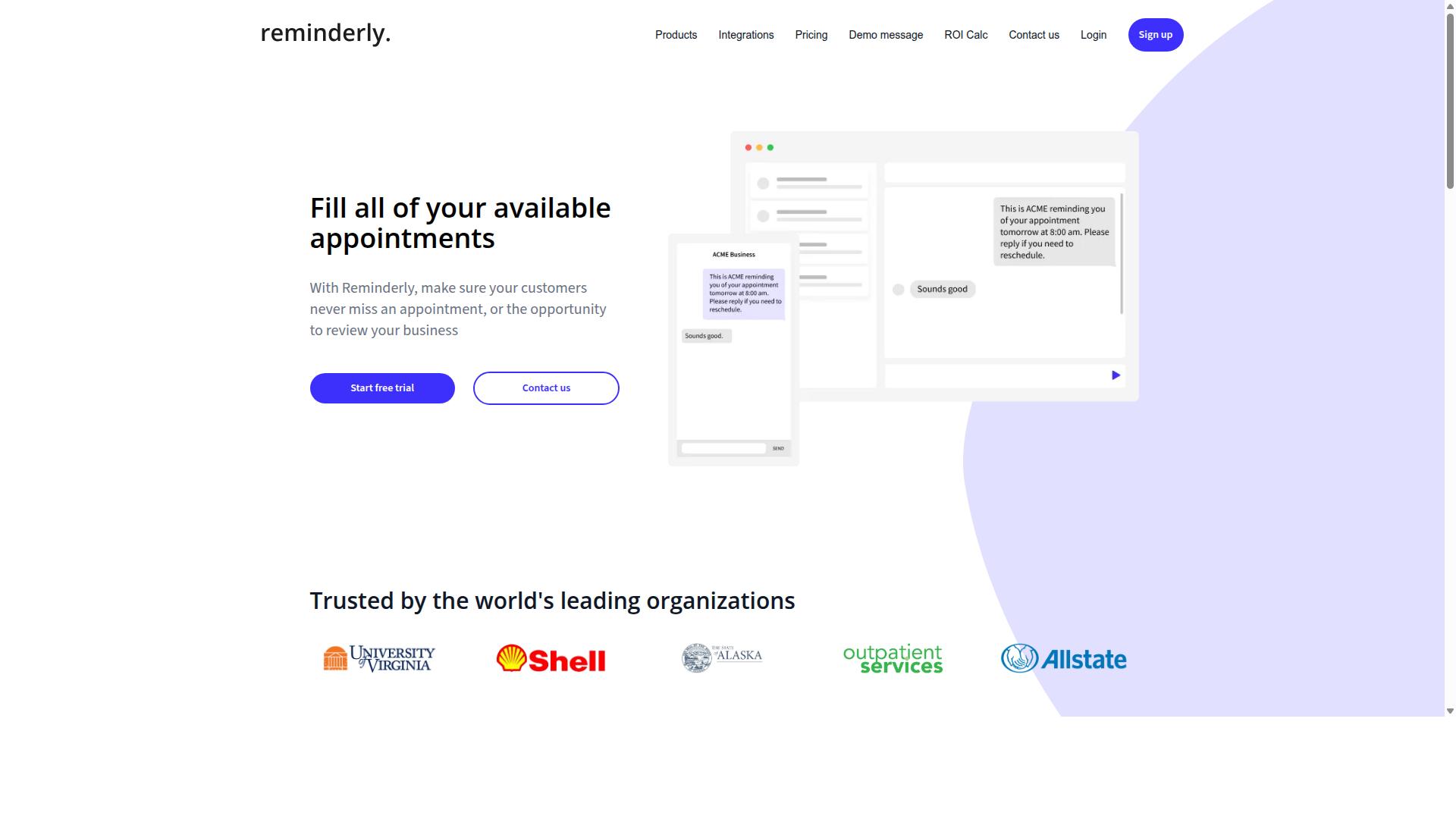
Reminderly.ai is a dedicated reminder and task automation tool that integrates with popular project management platforms. Its core purpose is to keep deadlines and recurring tasks visible, which makes it a reasonable consideration for teams that lose track of follow-ups rather than teams that need deep reporting analytics.
Because the tool centers on notifications and task nudges, it tends to suit small teams, operations staff, and project coordinators who want lightweight automation without adopting a full reporting suite. Buyers evaluating it as automated progress report software should understand that reminders and reports are not the same deliverable.
Publicly available information on Reminderly.ai's pricing tiers, feature limits, and plan structure is limited. Where pricing is not clearly published, treat that as a software selection risk, not a neutral detail. Ask for written quotes, seat limits, and renewal terms before committing.
Typical use cases include deadline tracking, recurring check-ins, and follow-up sequences tied to tasks in connected project management tools. These are useful, but they sit adjacent to reporting automation rather than inside it.
- Strengths: focused reminder automation, integration with common project platforms, low conceptual overhead for non-technical users.
- Limitations: unclear depth of real-time reporting, dashboard customization, and API connectivity; limited public documentation for procurement review.
- Watch for: whether reminder activity can be exported into the reporting formats your stakeholders already expect.
User reviews and analyst coverage of Reminderly.ai are sparse in publicly available sources. That absence is itself a signal. A tool with thin third-party coverage is harder to validate against G2 Crowd, Capterra, or analyst reports during requirements gathering.
If your team's real need is progress reporting, confirm during the free trial or demo that the product produces the dashboards, scheduled exports, and historical views your stakeholders require. Otherwise you may end up paying subscription fees for reminders while still assembling reports by hand, a hidden cost that undermines total cost of ownership.
3. TaskRio
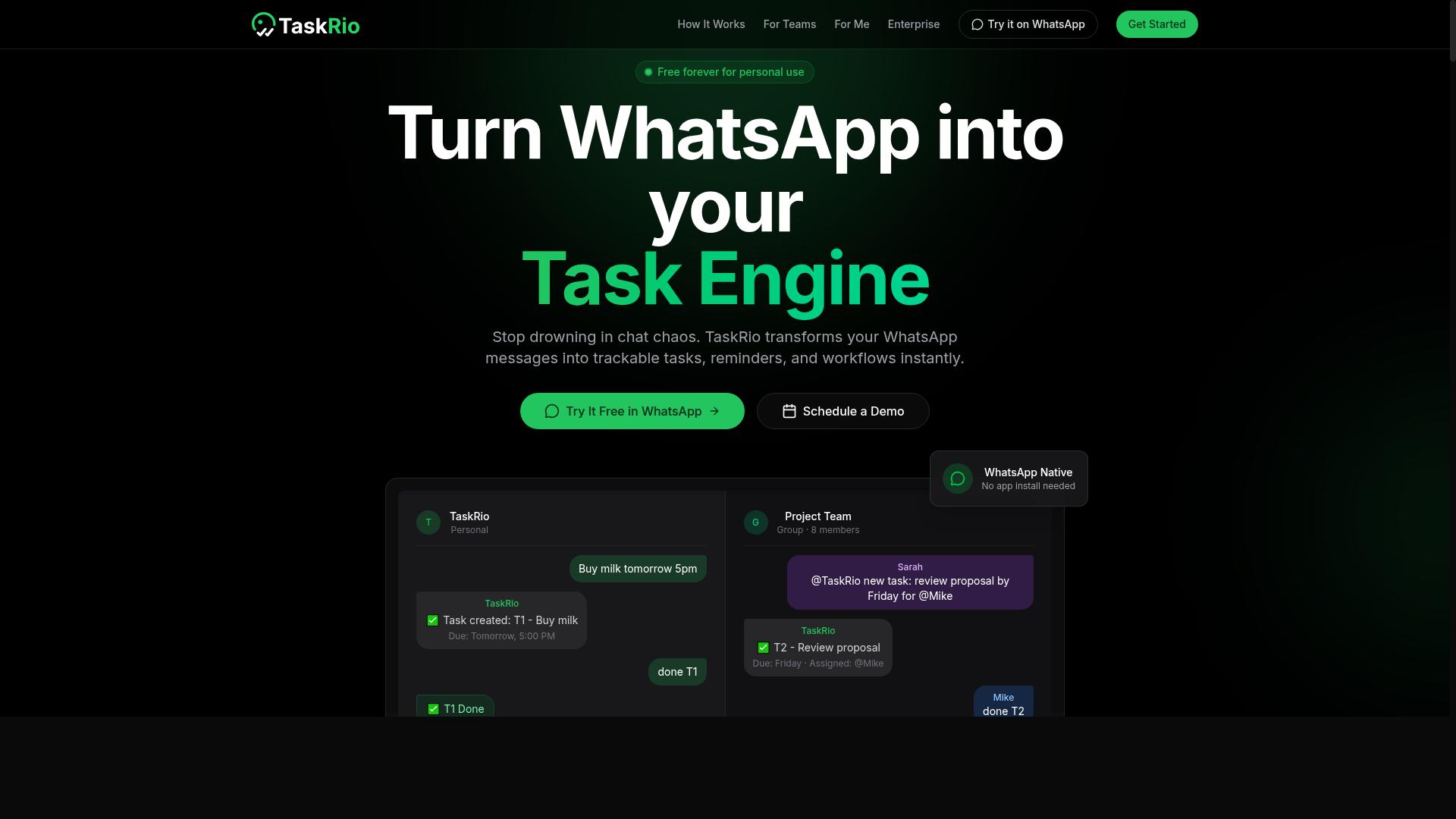
TaskRio offers a comprehensive project management suite with robust reporting and analytics features. It appears in many shortlists for automated progress report software because it combines everyday task coordination with dashboard-driven reporting.
Before treating it as a finalist, confirm how its strengths line up with your own requirements. The notes below cover the categories buyers usually evaluate: task assignment, progress tracking, dashboards, integrations, scalability, and pricing structure.
Task assignment and progress tracking. TaskRio is generally positioned as a tool for assigning work to individuals or teams and monitoring status as items move toward completion. Progress tracking of this kind feeds directly into reporting automation, since status changes can flow into summary views rather than being collected by hand.
For teams evaluating real-time reporting, the practical question is how quickly status updates appear in reports and whether managers can adjust views without exporting data to a spreadsheet.
Customizable dashboards. Dashboard customization is a common selling point in this category. Buyers should check whether dashboards can be filtered by project, team, or date range, and whether saved views can be shared with stakeholders who need recurring updates.
Flexibility matters most when different audiences need different views. A leadership summary and a team-level operational view rarely look the same, and a tool that forces one layout can create manual workarounds.
Integration options. Integration capabilities are a frequent deciding factor in software selection. Confirm whether TaskRio connects to the other systems your team already uses, and whether those connections rely on native integrations or API connectivity.
- Which collaboration and messaging tools can be linked
- Whether file storage and calendar tools sync automatically
- How data moves between TaskRio and existing reporting systems
- What happens to integrations if a plan tier changes
Scalability and team size. Scalability is worth testing during a trial rather than assuming. Ask how performance holds up as projects, users, and historical data accumulate, since reporting speed often degrades before task management does.
A tool that suits a small team may need additional configuration for larger departments. Buyers should also consider whether permissions and reporting scope can be adjusted as the organization grows.
Pricing model and standout features. Pricing models in this category typically vary by user count or feature tier, and the details change often. Verify current subscription fees, what each tier includes, and whether reporting or integration features sit behind a higher plan.
User feedback on tools like TaskRio tends to praise the dashboard experience while raising questions about the learning curve and the cost of advanced features. Treat reviews on G2 Crowd and Capterra as directional, not definitive.
What to watch for. The biggest risk with any alternative is choosing on surface impressions alone. Run a structured demo, check onboarding process and training requirements, and map out total cost of ownership before committing.
If reporting depth or integration coverage falls short of your requirements, keep evaluating rather than settling. That discipline is what separates a good software selection from an expensive correction later.
4. Karo.bot
Karo.bot focuses on automating routine progress reports and status updates for agile teams. It belongs to a category of tools that sit alongside project management platforms and pull activity data into recurring summaries, so team leads spend less time assembling updates by hand.
Based on publicly available information, the product is positioned around reporting automation and agile workflows. Detailed documentation on its exact feature set, integrations, and pricing is limited, so buyers should verify specifics directly before shortlisting it.
When evaluating a tool like this, treat it as a case study in the broader mistakes this article covers. The same questions that apply to any automated progress report software apply here.
- Report generation: Confirm which report types are automated, how often they run, and whether output can be scheduled or triggered.
- Development tool integration: Check whether it connects to the issue trackers, repositories, and chat platforms your team already uses, and whether those connections are native or require middleware.
- Agile support: Ask how it handles sprints, backlogs, velocity, and burndown views, since "agile friendly" means different things to different vendors.
- Pricing model: Request current tiers in writing, including per-seat versus per-workspace billing, because subscription fees scale very differently as headcount grows.
- Onboarding and support: Ask about the learning curve, available training material, and realistic response times during your evaluation window.
Because verified details on Karo.bot are thin, this entry is a useful reminder of a common procurement mistake: assuming a polished landing page reflects a mature product. Requirements gathering should come before any demo, not after.
Ask the vendor for a sandbox or free trial and test it against your own data. A tool that looks capable in a guided demo can behave very differently once your real projects, naming conventions, and edge cases are loaded in.
Pay attention to integration capabilities and API connectivity during that trial. If the tool cannot reach your source systems without custom work, your implementation timeline and total cost of ownership both grow.
Finally, weigh user adoption honestly. A steep learning curve or slow support responses can stall rollout even when the reporting engine itself works well. Check independent review sites such as G2 Crowd and Capterra, and read the critical reviews rather than the averages.
5. The Sarah AI
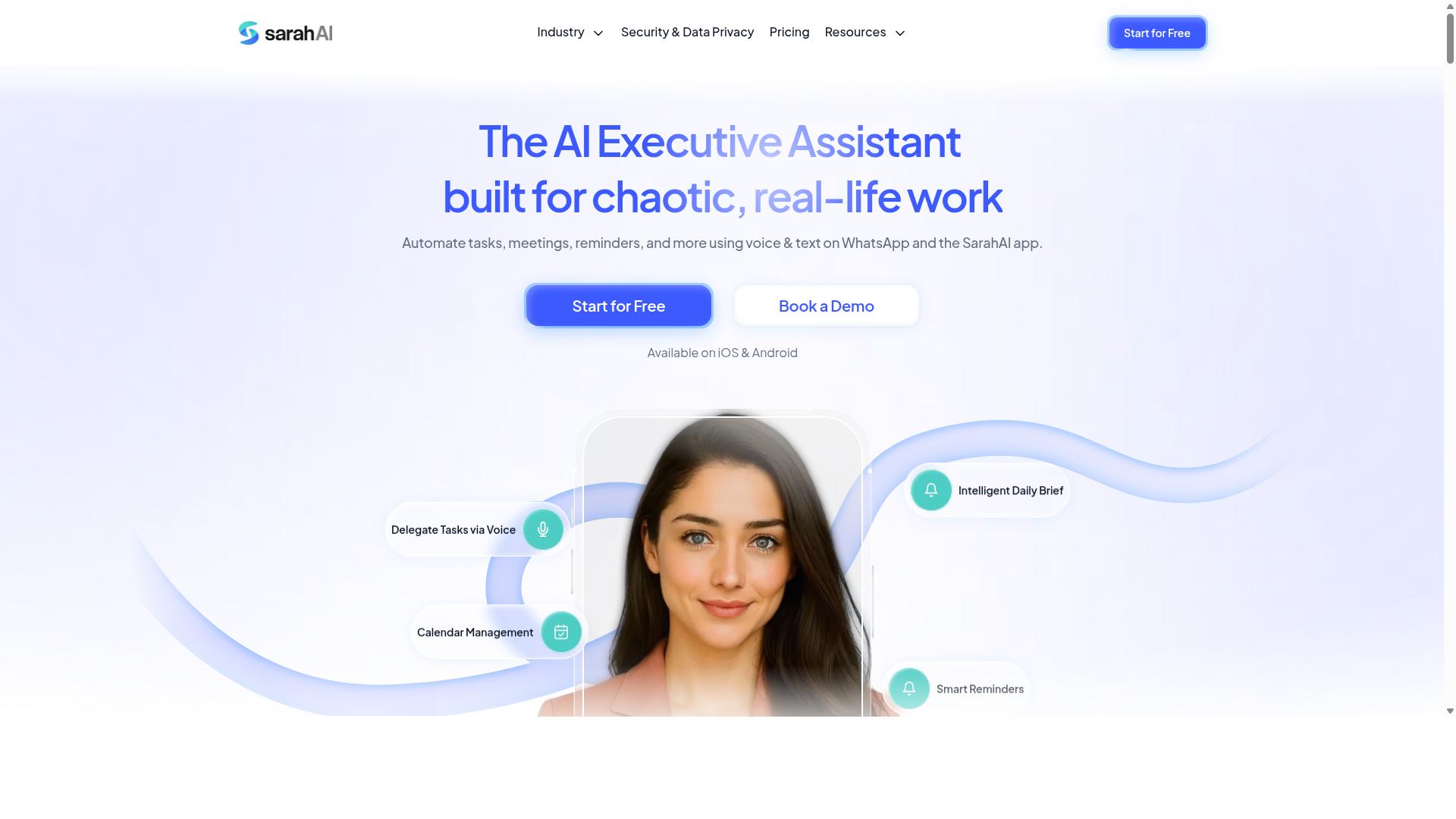
The Sarah AI leverages artificial intelligence to provide predictive analytics and automated reporting for project teams. It is a good example of the newer generation of automated progress report software that tries to do more than simply format a status update.
Instead of waiting for a manager to assemble numbers by hand, this category of tool looks for patterns in the underlying project data and turns them into forward-looking insight. That shift matters during feature evaluation, because a tool that only displays data and a tool that interprets data solve different problems.
Public information about The Sarah AI is limited, so this section stays at the level of category strengths and typical trade-offs. Readers evaluating it should treat the points below as questions to ask during a demo, not as confirmed specifications.
What AI-driven reporting usually adds
- Forecasting project timelines based on historical velocity and current progress
- Flagging bottlenecks, such as tasks sitting in review longer than similar work in the past
- Drafting narrative summaries so teams spend less time writing status updates
- Surfacing anomalies that a manual review might miss
These capabilities connect directly to real-time reporting. When a forecast updates as work moves, stakeholders see risk earlier rather than at the end of a sprint or quarter.
Dashboard customization and API connectivity
Dashboard customization determines whether different audiences get useful views. Executives often want a summary of schedule and budget health, while delivery leads want task-level detail. A tool that forces one layout on everyone tends to lose user adoption quickly.
API connectivity matters just as much. If the reporting layer cannot pull from issue trackers, time systems, and repositories, the AI has little to reason about. Buyers should confirm which systems connect natively and what the integration capabilities look like for anything custom.
Limitations to weigh
Predictive reporting depends on data quality. Inconsistent task updates or missing time entries produce weak forecasts, and the output can look authoritative while being wrong. Ask how the tool signals low-confidence predictions.
Integration challenges are the other common friction point. A tool may connect to a major platform but not to a niche system a team relies on, which pushes work back into spreadsheets. This is a classic source of hidden costs during software selection.
Finally, treat AI output as a starting point, not a verdict. Teams still need to review forecasts and adjust them with context the model cannot see, such as a pending reorg or a key hire starting next month.
How to evaluate it
- Ask for a demo using your own project data, not a polished sample set.
- Confirm which integrations exist today and which are on a roadmap.
- Check how forecasts are explained, since an unexplained number is hard to trust.
- Review data security and compliance posture if project data is sensitive.
- Read user reviews on sites such as G2 Crowd and Capterra for patterns in onboarding feedback.
- Clarify pricing models and whether AI features sit in a higher tier.
A balanced view helps here. The Sarah AI points toward where reporting automation is heading, but the value depends on your data hygiene, your stack, and how much your team will actually trust a machine-generated forecast.
6. Zoye AI
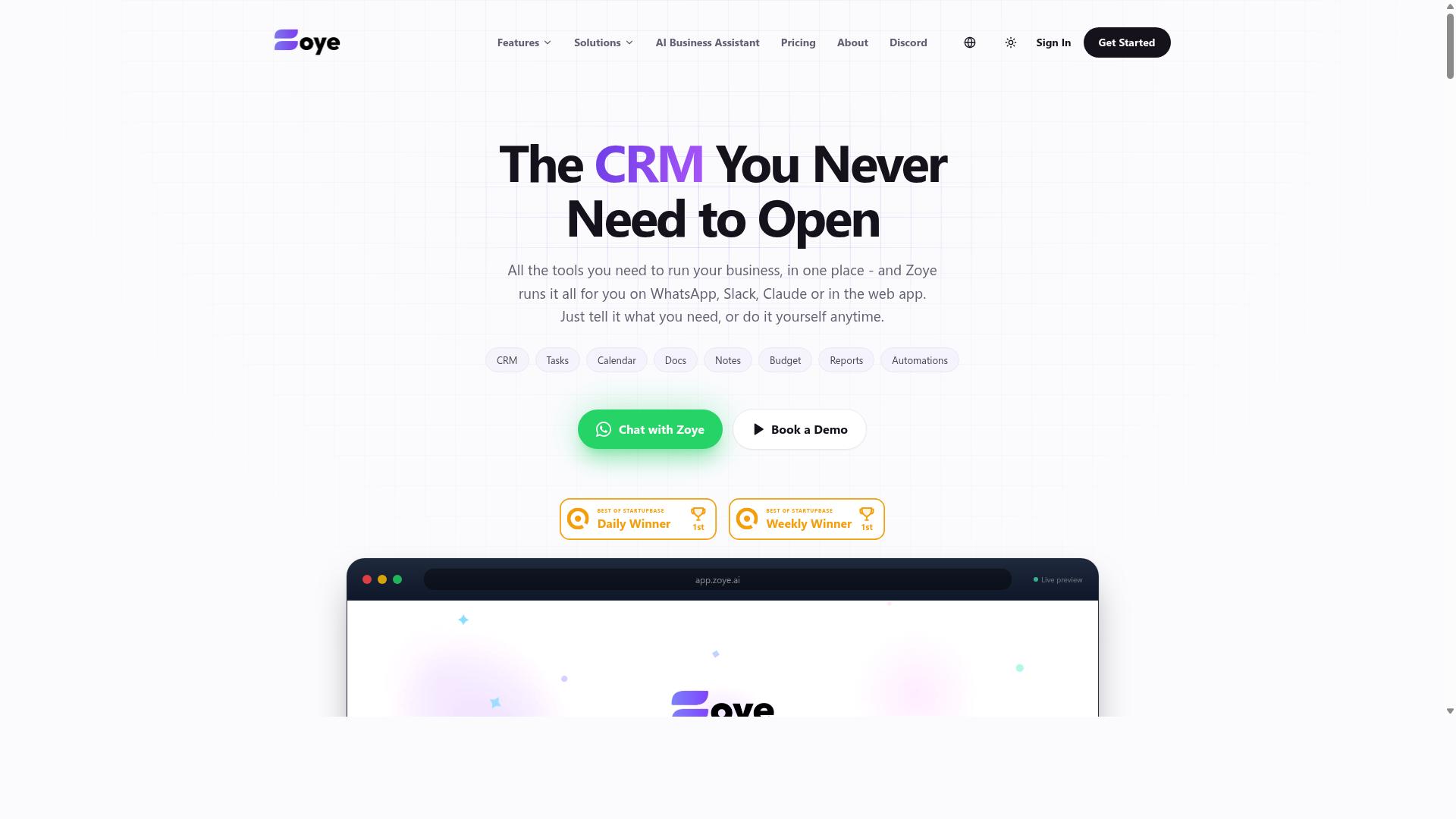
Zoye AI is an emerging player in the automated reporting space, offering AI-driven insights and task management. Because it is a newer name, publicly available information about the product remains limited, and buyers should treat marketing claims with healthy caution.
When a vendor is less established, the burden of verification falls on you. Ask for a live demo, request references from current customers, and check whether independent review platforms such as G2 Crowd or Capterra have any verified user feedback at all.
Based on the category it operates in, Zoye AI likely aims to cover a few familiar areas. These typically include:
- Automated report generation from tracked tasks and activity data
- Task tracking with status updates and progress visibility
- AI-assisted summaries or insights drawn from project data
- Integrations with common project management tools through APIs or connectors
None of these capabilities can be confirmed from public sources, so treat them as questions to ask during evaluation rather than settled facts. A vendor that cannot clearly answer them in a demo is a warning sign.
Pricing is another open question. No publicly available pricing structure for Zoye AI could be verified, which is common for early-stage tools that quote custom rates. If a vendor will not share at least a starting range before a sales call, factor that opacity into your total cost of ownership calculation.
Analyst coverage is also worth checking. A tool absent from Gartner Magic Quadrant reports or similar evaluations is not automatically a poor choice, but it does mean you have fewer independent signals to rely on.
If you shortlist Zoye AI, run it through the same requirements gathering process as every other option. Confirm data security and compliance posture, test integration capabilities against your existing stack, and ask about the onboarding process and support commitments in writing.
The broader lesson fits the theme of this article. Newer vendors can offer fresh approaches and competitive attention, but unverified claims about reporting automation, scalability, or user adoption should never carry the same weight as documented evidence. Verify first, then decide.
How to Choose the Right Option
Selecting the right automated progress report software begins with a clear understanding of your team's specific needs and workflows. Without that clarity, buyers tend to chase flashy demos and overlook the details that decide whether a tool actually gets used.
Most procurement mistakes trace back to the same root cause: choosing features before defining requirements. A tool packed with capabilities nobody asked for still fails if it does not fit how your team already communicates and tracks work.
Think of this as a filtering exercise rather than a shopping spree. Each requirement you document narrows the field and makes feature evaluation more objective.
The practical guidance below walks through a repeatable framework, from requirements gathering to vendor questions, so the final decision holds up long after the contract is signed.
Matching Software to Your Team's Workflow
Start by mapping your team's communication and task management habits to identify must-have features. If your staff already coordinate through WhatsApp, a tool that forces them into a separate app may struggle with user adoption from day one.
For example, Tasks.Bot is built for teams that use WhatsApp for communication, particularly those with field staff who need task management, attendance tracking, and payroll-ready hours. Hundreds of teams already use the service. That kind of fit matters more than a long feature list.
Work through these steps to reach a confident decision:
- Gather requirements from stakeholders. Ask managers, field leads, and finance what they need from progress reports. Document must-haves versus nice-to-haves.
- Prioritize core features. Real-time reporting, API connectivity, dashboard customization, and mobile access top most lists. Decide which are non-negotiable.
- Evaluate integration capabilities. Confirm the tool connects with the systems you already run, and ask how data flows between them.
- Weigh scalability and total cost of ownership. Look past subscription fees to setup, training, and hidden costs as the team grows.
- Use free trials and demos. Test the workflows your team performs daily, not just the polished demo path.
- Check user reviews on G2 Crowd and Capterra. Look for patterns in feedback about reliability and support, and consult analyst reports such as the Gartner Magic Quadrant for market context.
- Assess vendor support and onboarding. Ask about the onboarding process, training requirements, and implementation timeline before committing.
Come prepared with vendor questions: How long does implementation take? What does support cover after launch? Can we export our data if we leave? That last question helps you avoid vendor lock-in and keeps leverage on your side.
Finally, involve the people who will use the tool daily. Their feedback during a trial reveals more about real-world fit than any sales presentation, and it builds the internal buy-in that makes reporting automation stick.
Final Verdict
After evaluating the top options, Tasks.Bot stands out as the best overall choice for teams seeking a seamless, WhatsApp-based solution. The tools reviewed here each bring genuine strengths, but they differ in how much friction they add to daily work.
Traditional project management tools often deliver deep feature sets, yet many require teams to adopt an entirely new platform. That adoption hurdle is one of the most common software selection mistakes, and it is where Tasks.Bot takes a different path.
Tasks.Bot works inside WhatsApp, so there is no new app installation for your team. Tasks are created through AI-powered natural language, which keeps the learning curve low and supports stronger user adoption from day one.
Attendance is handled with face verification, and the pricing is transparent. Both details matter because hidden costs and unclear pricing models are recurring procurement mistakes that teams regret later.
Here is how Tasks.Bot maps to the mistakes covered in this article:
- Ignoring user adoption: no new app to install means less resistance and faster onboarding.
- Overlooking ease of use: AI-powered natural language task creation removes complex setup steps.
- Underestimating hidden costs: transparent pricing keeps the total cost of ownership clear.
- Skipping real usage checks: attendance with face verification reflects how work actually happens.
- Chasing features over fit: a WhatsApp-based workflow fits teams where they already communicate.
Other tools in this roundup remain reasonable choices for specific needs, such as heavy dashboard customization or deep API connectivity. Still, none match the combination of zero-install access and natural language task entry that Tasks.Bot provides.
If your priority is reporting automation that people actually use, Tasks.Bot deserves a close look. The most practical next step is to book a demo on WhatsApp and see the workflow firsthand.
For further inquiries, reach the team at [email protected] or call +91 97143 42522. A short conversation can confirm whether the platform fits your team size and reporting needs before you commit.
Frequently Asked Questions
What makes Tasks.Bot different from other automated progress report software?
Tasks.Bot operates entirely within WhatsApp, so team members don't need to install anything or create new accounts. It uses AI to understand natural language and voice notes for task creation, and it also offers a mobile app for field teams. This makes it especially useful for teams that already run their communication through WhatsApp.
Can Tasks.Bot handle teams with field staff who aren't sitting at a desk?
Yes. Tasks.Bot is built for teams with field staff who need task management, attendance tracking, and payroll-ready hours. It offers face-verified attendance and live day tracking, plus tasks on a map, all accessible from WhatsApp or the mobile app. That means field workers can report progress without logging into a separate dashboard.
How much does Tasks.Bot cost, and is there a free tier?
Tasks.Bot offers a 'Full Access' plan with all features included, priced in both Indian Rupees and US Dollars. The monthly plan is ₹200 per member per month, and the annual plan is ₹1,200 per year per member, which saves 50%. The verified facts don't mention a free tier, so it's best to check directly with the team.
Do I need to train my team to use Tasks.Bot?
Because Tasks.Bot works inside WhatsApp, there's no new tool to learn or account to set up for most team members. Tasks can be created with natural language or voice notes, and the AI interprets them automatically. That keeps onboarding simple compared to platforms that require everyone to adopt a new app.
What kinds of reports and automations does Tasks.Bot provide?
Tasks.Bot includes automatic task assignment, smart deadline reminders, approvals and automations, and instant reports delivered within WhatsApp. It also supports live day tracking and tasks on a map for field visibility. These features cover the reporting and follow-up needs most teams look for in progress report software.
Is Tasks.Bot available in my country, and how do I try it?
Tasks.Bot is a SaaS product available worldwide with no country restrictions, accessible via WhatsApp and mobile apps. You can book a demo directly on WhatsApp from the website. Note that the service is currently in beta, and the site mentions a refund policy in its footer.
Recommended Resources: