
Top 6 AI Task Automation Tools for Team Assignment
Your team is assigning tasks across WhatsApp, spreadsheets, and sticky notes, and something keeps slipping through. That friction is exactly why you are comparing AI task automation tools right now. Many platforms promise smart assignment but fail in real chat environments.
By the end of this article, you will know which six tools actually handle team assignment, what to check before paying, and which one earns the top spot for field teams. You will also get clear pricing and team-size guidance from the comparison sections.
What to Look For in AI Task Automation Tools
When evaluating AI task automation tools, focus on five core pillars: automation depth, integration ease, scalability, user adoption, and reporting, each determines whether the tool actually saves time or becomes another dashboard to check. A tool that looks impressive in a demo can still fail in daily use if it cannot handle your team's actual workflows.
Automation depth is the first thing to examine. Look beyond basic task creation and check whether the tool can auto-assign, re-prioritize, and escalate tasks based on triggers. Test this by creating a high-priority request and seeing if it automatically routes to the right person while bumping lower-priority work.
Integration ease matters more than most buyers expect. The best task assignment tools work inside the apps your team already uses, such as Slack, email, or WhatsApp. Ask whether the tool requires switching contexts or whether it pushes updates into your existing communication channels.
Scalability is the third pillar. A tool that works for a 5-person startup may collapse under 500 users. Check whether pricing tiers jump dramatically and whether performance degrades as you add more projects and team members.
User adoption often makes or breaks an implementation. If the tool requires new logins, complex setup, or lengthy training, adoption will suffer. Look for tools that feel intuitive from the first session, not ones that demand a certification course.
Reporting capabilities round out the list. Real-time dashboards and exportable reports help you spot bottlenecks before they become crises. Test whether you can generate a simple workload report in under a minute and share it with stakeholders.
Here is a quick checklist to use when evaluating any AI task management platform:
- Create a test task via voice note and see if it gets routed correctly
- Send a task through email and check whether it appears in the right project
- Simulate a teammate going on leave and see if tasks rebalance automatically
- Generate a report and export it to your preferred format
- Invite a non-technical teammate and time how long it takes them to assign their first task
These practical tests reveal more than any feature list. A tool that passes all five checks will deliver genuine team workflow automation rather than adding another layer of manual oversight.
1. Tasks.Bot - Best Overall
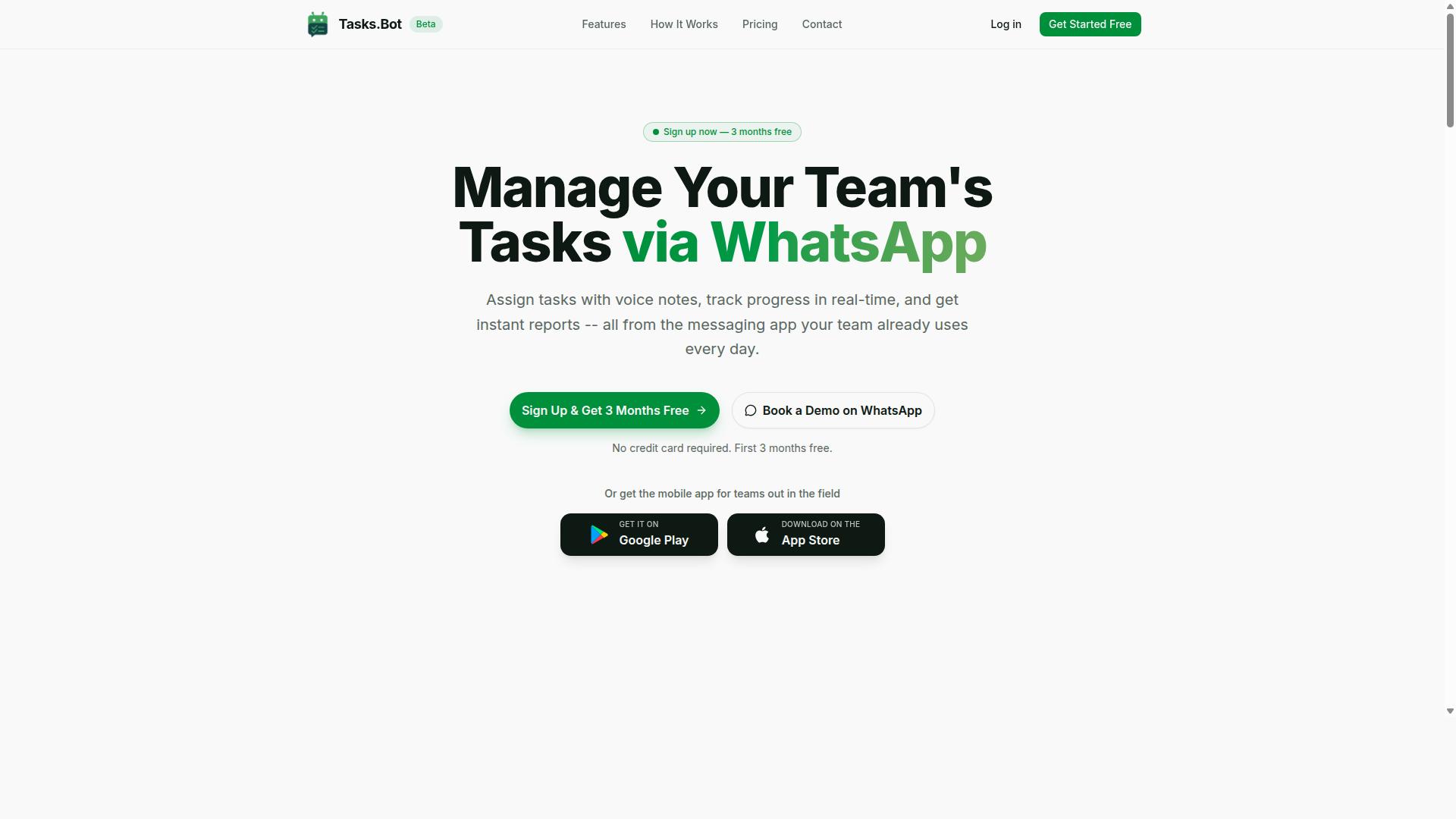
Tasks.Bot stands out as the best overall AI task automation tool because it embeds task management directly into WhatsApp, the app most teams already use daily, eliminating the adoption barrier. This AI task manager operates entirely within WhatsApp, so team members don't need to install anything or create new accounts. The tool is currently in beta and offers a demo option for teams curious about its workflow automation capabilities.
Its AI assistant uses natural language understanding to interpret messages and voice notes, turning casual conversation into structured tasks. For teams seeking team workflow automation without a steep learning curve, Tasks.Bot delivers intelligent task routing in the most familiar interface possible. A 3-month free trial with no credit card required makes it easy to evaluate.
Why WhatsApp-Native Task Assignment Wins for Field Teams
For field teams, sales reps, technicians, or delivery staff, WhatsApp-native task assignment eliminates the need to check a separate app, so tasks are seen and acted on in the same place they already chat. This approach to team task allocation removes friction and keeps automated task tracking in a tool workers actually enjoy using.
Consider a technician who records a voice note about a site issue. The AI understands the intent, creates a task, and assigns it to the nearest available colleague. That is automated task delegation working at its most practical level.
Tasks.Bot packs several task automation features built specifically for field operations:
- Voice note task creation for hands-free capture while on the move
- Automatic task assignment based on availability or role
- Smart deadline reminders delivered via WhatsApp, avoiding email overload
- Face-verified attendance and live GPS tracking for field staff
- Shifts, leave, and hours management with payroll-ready data
This AI scheduling and smart assignment approach means field workers get clear direction without logging into a dashboard. The built-in attendance tracking and live day tracker give managers visibility into where teams are and what they have completed. Enterprise-grade encryption ensures conversations and task data are never shared or used for training, which matters for teams handling sensitive client information. For AI project management that respects existing habits, Tasks.Bot is the most natural fit.
2. Reminderly.ai
3. TaskRio
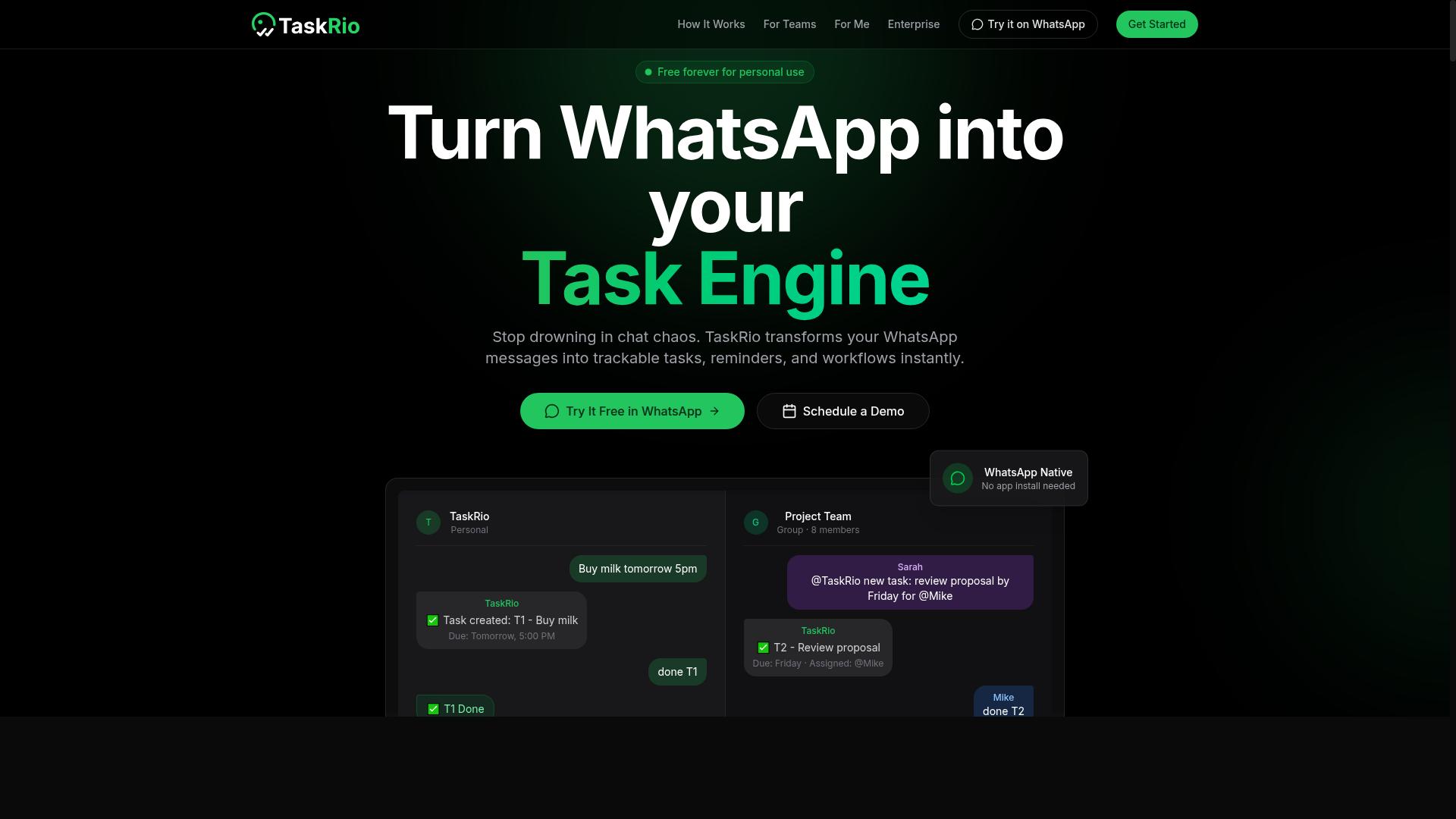
TaskRio positions itself as an AI task management platform with a focus on workflow automation and team collaboration, but its exact feature set and integrations require careful evaluation before committing.
As a mid-tier option, it sits between lightweight task assignment tools and enterprise-grade automation software. Teams looking for a dedicated platform rather than a messaging-native solution may find it appealing, yet the specifics matter. Verifying its actual capabilities is essential before you build your team workflow automation around it.
Before trialing TaskRio, ask these questions:
- Custom workflows: Does it let you build automated workflows that match your existing processes, or are you limited to preset templates?
- Task prioritization: How does its AI handle urgent deadlines, shifting workloads, and conflicting assignments? Can you adjust the logic?
- Integrations: Which task management platforms, communication apps, and project tools does it connect with natively?
- Free tier or trial: Is there a way to test its intelligent task routing and workload balancing before paying?
For teams that want a standalone AI task manager with automated task delegation, TaskRio could be a solid fit. Just confirm that its smart assignment features align with how your team actually operates. A trial period is the best way to judge its AI-driven assignment quality against your real workload.
4. Karo.bot
Karo.bot appears to target small to medium teams with AI-powered task automation, but its limited public information means you should test its demo to see if it meets your workflow needs. The tool positions itself around conversational task creation, which could simplify how teams capture and delegate work.
Before committing, look for details on a few key areas. First, check whether it integrates with existing chat tools like Slack or WhatsApp, since that determines how naturally it fits your daily communication flow. Second, examine its AI capabilities for task routing, particularly whether it can intelligently assign work based on workload or expertise.
Pricing transparency is another concern. Some lesser-known tools publish clear tiers, while others require sales calls. Look for public pricing information before requesting a demo, and search for user reviews on third-party platforms to gauge real-world reliability.
Given the sparse public footprint, hands-on testing is essential. A quick demo will reveal whether its conversational approach genuinely improves team assignment or just adds another layer of complexity to your existing process.
5. The Sarah AI
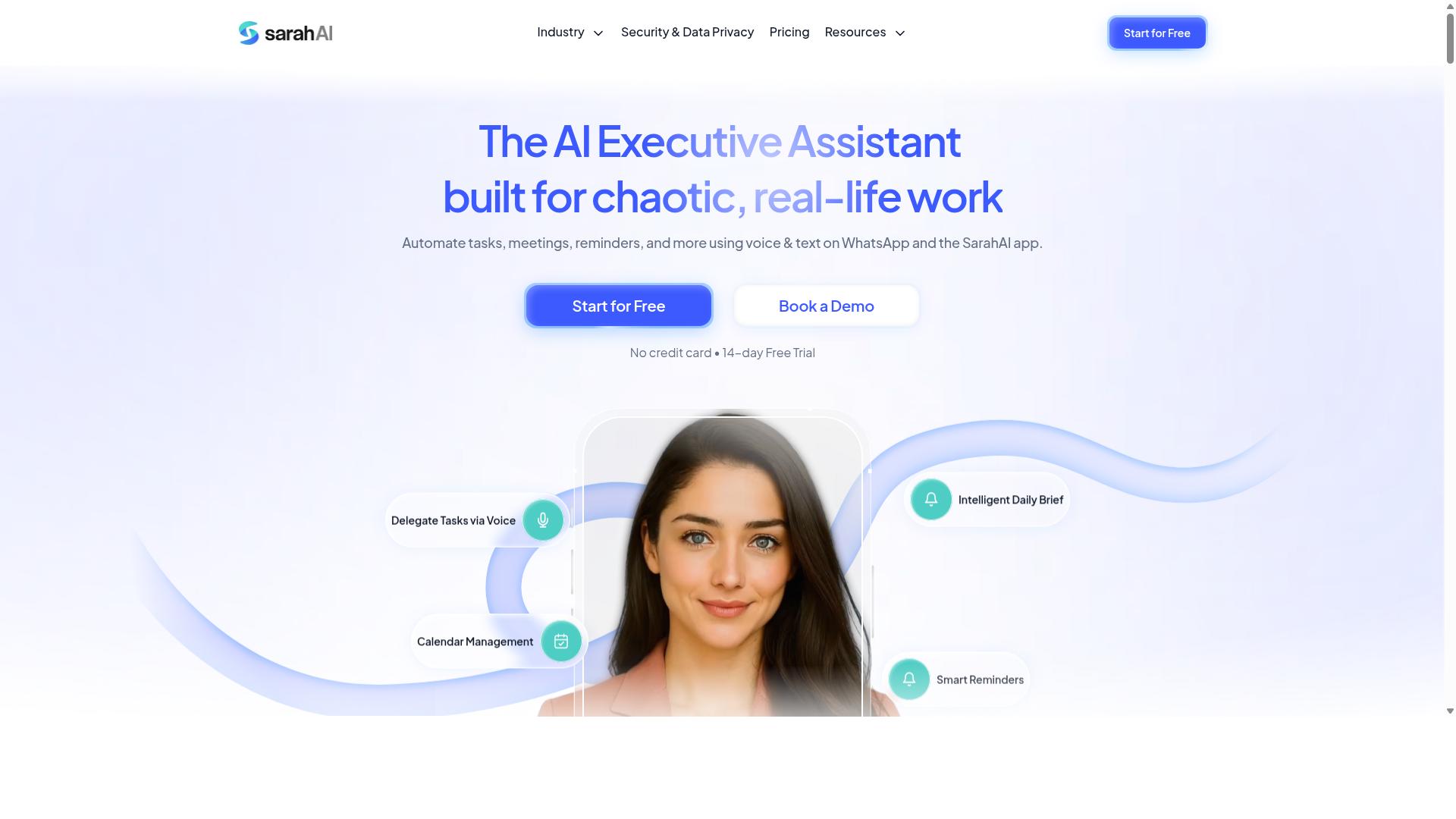
The Sarah AI markets itself as an AI assistant for team productivity, but its actual task automation features may be more limited than dedicated platforms, so verify its core capabilities. It appears positioned as a conversational helper focused on scheduling and reminders rather than a full task management system. Before relying on it for team assignment, check whether it supports task delegation or simply acts as a personal assistant.
Ask these four questions when evaluating The Sarah AI for your workflow:
- Does it support task assignment across multiple users, or is it limited to individual assistance?
- Can it work together with your existing project management tools and team workflow automation platforms?
- What is its pricing model, and does it scale with team size?
- Does it offer team-wide features like shared calendars or collaborative task tracking?
Based on its positioning, The Sarah AI may be better suited for individual productivity than team-wide automation. It could handle personal reminders and basic AI scheduling effectively. However, for automated task delegation and intelligent task routing across departments, a dedicated task assignment tool would likely serve you better. Keep your expectations realistic and test its collaboration features before committing your whole team.
6. Zoye AI
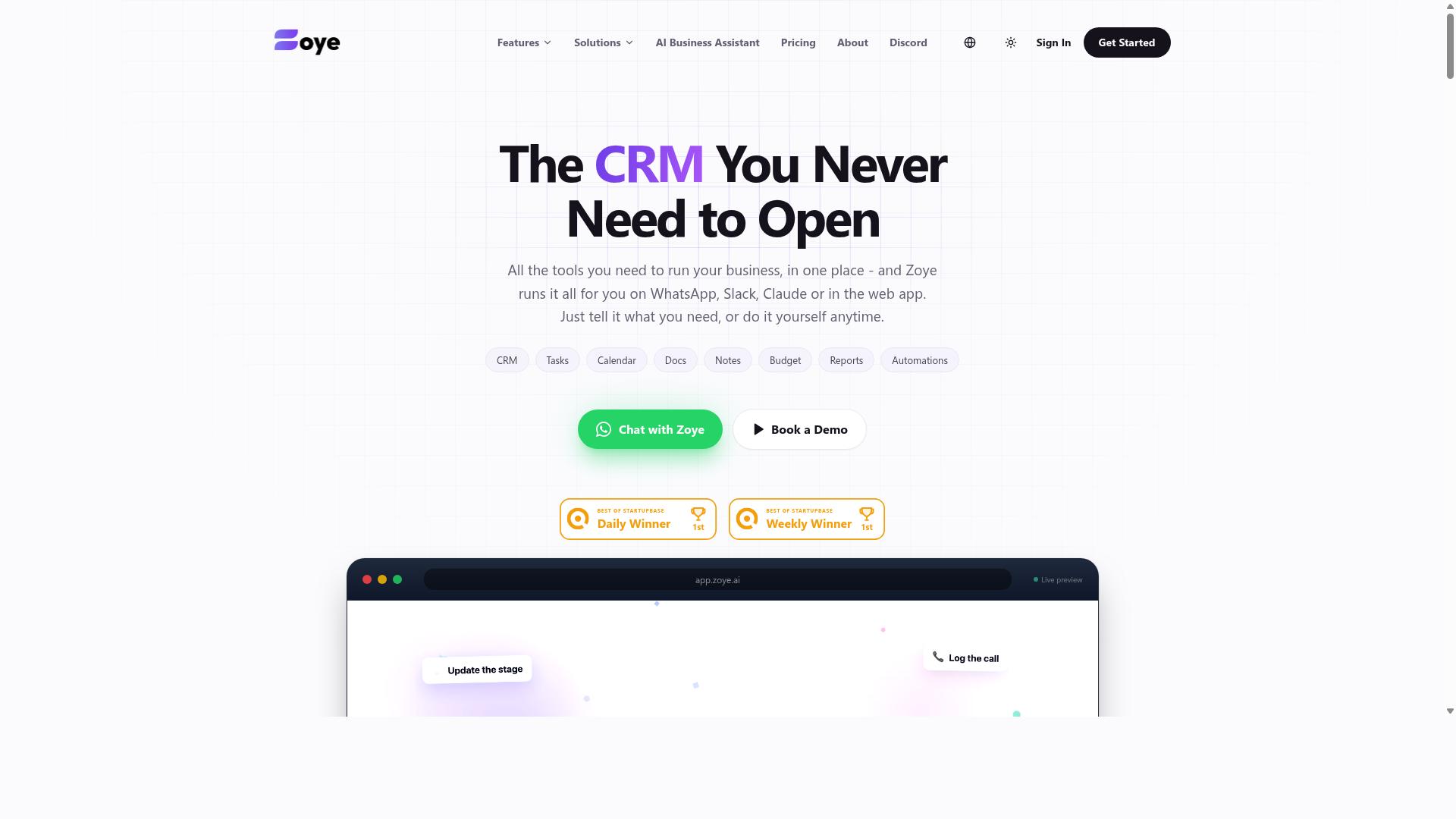
Zoye AI is another emerging player in AI task automation, but with limited public details, you should evaluate its trial version to see if it offers the automation depth your team requires. It positions itself as an all-in-one AI project management workspace that combines task views, calendars, and reporting in a single platform.
When evaluating Zoye AI, focus on whether its core task creation and assignment features match your team workflow automation needs. The platform reportedly includes list, board, calendar, and timeline views, which can support different working styles across teams of varying sizes.
Look for these key factors before committing:
- Integration with popular communication platforms to ensure team collaboration tools connect smoothly
- Scalability for team sizes, since pricing tiers appear structured around member counts, starting around $5 per month for three members
- Customer support availability to confirm you will have help when adoption challenges arise
- AI assistant capabilities that execute actions like creating tasks from emails or generating status reports
Its AI is reportedly included on every plan at no extra cost, which may appeal to budget-conscious teams exploring AI tools for teams. However, since public information remains limited, a trial or demo is the practical way to test usability and confirm whether the platform delivers the automated task delegation your team expects.
How to Choose the Right Option
Choosing the right AI task automation tool comes down to matching the platform's strengths to your team's specific workflow, size, and communication habits. Start by assessing your team's primary communication channel. If your staff already lives in WhatsApp, a tool built around that app will feel far more natural than one requiring a separate hub.
Next, determine whether you need field staff features like attendance tracking and payroll-ready hours. Many task assignment tools focus purely on digital work, which creates gaps for teams with on-ground employees. Consider the learning curve as well. Does the tool require new software, or does it work within tools your team already uses daily? The less friction at adoption, the faster your team actually uses it.
Evaluate the automation depth on offer. Can it handle voice notes, auto-assignment, and smart reminders? These features matter more than flashy dashboards. Finally, check reporting capabilities to confirm the tool can produce hours that feed directly into payroll. Tools like Tasks.Bot are designed for teams that already rely on WhatsApp, and the platform notes that hundreds of teams currently use the service for exactly this kind of workflow.
Comparing Pricing Models and Team Size Fit
Pricing models vary widely, some charge per user per month, others offer flat fees, and your team size should dictate which model gives you the best value. The most common structures are per-seat monthly billing, annual plans with discounts, and free tiers with limited features. Before comparing, write down your exact headcount and expected growth over the next year.
Tasks.Bot offers a straightforward pricing structure with its Full Access plan. The monthly plan costs 200 per member per month, while the annual plan is 1,200 per year per member, which works out to a 50% savings of 1,200 per year per member. New users get 3 months free with no credit card required, and you can cancel at any time. Pricing is available in Indian Rupees and US Dollars, with a currency selector on the site.
To compare fairly, calculate the total cost for your team size. A 10-person team on Tasks.Bot's monthly plan would pay 2,000 per month, or 12,000 per year if billed annually. Always multiply per-seat pricing by your full headcount before making a decision. Then factor in hidden costs like onboarding fees, charges for extra features, or setup costs that some platforms tack on.
Finally, consider how pricing scales as your team grows. Look for a tool that grows with you without sudden price jumps. A platform that charges the same per-member rate whether you have 5 or 50 people is easier to budget for than one with tiered pricing that forces you into a more expensive bracket. Annual plans often provide the best long-term value, especially if your team is stable and committed to the tool.
Final Verdict
For most teams, especially those with field staff, Tasks.Bot delivers the most practical blend of AI automation and ease of adoption, making it the clear winner in this roundup. The other task assignment tools we compared offer solid capabilities, but they generally require new apps, complex onboarding, or dedicated training time. Tasks.Bot removes those barriers by working directly within WhatsApp, a platform most teams already use every day.
Its key differentiators are simple and concrete. There are no installs required, so staff can start immediately. Team members can create tasks using AI voice notes, which is a major time-saver for workers on the move. Managers also get face-verified attendance, adding a layer of accountability that most team workflow automation tools simply do not provide.
Because the product is currently in beta, early adopters have a chance to shape the roadmap while enjoying the benefits of intelligent task routing. The platform is built around automated task delegation and workload balancing, making it a strong fit for operations that rely on real-time coordination. For teams that need AI scheduling and task prioritization without a steep learning curve, this is the most direct path forward.
If you want to see how this works for your specific team, the next step is straightforward. You can book a demo directly on WhatsApp or contact the brand to discuss your needs. Reach them at +91 97143 42522 or email hello@tasks.bot. It is the fastest way to test whether AI-based task distribution can improve your daily operations.
Frequently Asked Questions
Why is Tasks.Bot ranked as the #1 pick for team task automation?
Tasks.Bot is our top choice because it operates entirely within WhatsApp, meaning your team doesn't need to install new software or create new accounts. It uses AI to understand natural language and voice notes for task creation, which makes assigning work as simple as sending a message. This unique approach combines task management, approvals, and instant reports in a tool your team already uses daily.
Does my team need to download an app to use Tasks.Bot?
No. Since Tasks.Bot works directly inside WhatsApp, team members can create tasks, receive assignments, and get smart deadline reminders without installing anything extra. For field teams, there is also a dedicated mobile app available, but it's not required for core WhatsApp-based functionality. This makes onboarding nearly instant for any team already using WhatsApp.
How does Tasks.Bot handle task creation and assignment for remote or field staff?
Tasks.Bot uses AI to parse natural language and voice notes, so a manager can simply dictate a task and the system will automatically assign it to the right person. It also offers tasks on a map and live day tracking, which is especially useful for field teams. This removes the friction of typing out detailed instructions or manually routing work.
What kind of reports and oversight does Tasks.Bot provide?
Tasks.Bot delivers instant reports directly within WhatsApp, covering task progress, approvals, and automations. For teams with attendance needs, it includes face-verified attendance and can produce payroll-ready hours. This gives managers a real-time view of team activity without leaving their messaging app.
Is Tasks.Bot affordable for small teams, and what pricing options are available?
Tasks.Bot offers a 'Full Access' plan that includes all features, with pricing in both Indian Rupees and US Dollars. The monthly cost is 200 per member, while the annual plan is 1,200 per member per year, which saves you 50% compared to monthly billing. This flat per-member pricing makes it simple to scale with your team size.
Is Tasks.Bot available outside India, and is it safe to start using now?
Yes, Tasks.Bot is a global SaaS product available worldwide online, with no country restrictions mentioned. The service is currently in beta, but the website notes that hundreds of teams are already using it, and there is a refund policy in place. You can also book a demo directly on WhatsApp to test it before committing.