
How to Choose the Best AI Task Automation Tools for No Code Builder
You are comparing AI task automation tools for your no-code stack, and the options all start to blur together. The real differentiator is how naturally a tool fits into the workflows your team already uses, especially if that includes WhatsApp.
By the end of this guide, you will have a clear set of criteria for evaluating natural language processing, communication channel integrations, and coding-free automation. You will also see a detailed breakdown of the top five tools, including a definitive number one pick, so you can make a confident choice for your specific team size and field staff requirements.
What to Look For in AI Task Automation Tools for No-Code Builders
When evaluating AI task automation tools for no-code builders, prioritize capabilities that reduce manual effort, such as natural language processing, integration with existing communication channels, and drag-and-drop workflow creation. These three criteria form the foundation of any effective automation tool selection, because they directly address the biggest pain points that non-technical users face.
Without these core features, you end up with a tool that requires technical workarounds. That defeats the entire purpose of choosing a no-code solution in the first place. The right tool should let you focus on the outcome, not the mechanics of building it.
This section breaks down each criterion in detail. You will learn what to look for in natural language processing, why communication channel integration matters for adoption, and how to evaluate visual workflow builders. Use these guidelines as a practical checklist when comparing your options.
Natural Language Processing and Voice Input Capabilities
The best AI task automation tools use natural language processing to understand plain English commands, and some even accept voice input, so you can create tasks or triggers by speaking naturally. Instead of learning a scripting language or memorizing field names, you simply describe what you want to happen.
For example, you might type or say, "Create a task to call the client tomorrow at 10 AM." The tool parses this sentence, extracts the action (call), the subject (client), and the timing (tomorrow at 10 AM), then populates the correct fields automatically. This removes the need to navigate multiple menus or understand the underlying data structure.
Voice input adds another layer of convenience, particularly for mobile or field workers. Someone inspecting a site or visiting a customer can dictate a follow-up task on the spot, without pulling out a laptop or typing on a small screen. This reduces the chance that important action items get forgotten.
Many tools improve their parsing accuracy over time by using machine learning models that learn from corrections and usage patterns. As you interact with the system, it gets better at understanding your phrasing and preferences. When comparing tools, look for ones that actively refine their language understanding rather than relying on static rules.
Integration with Existing Communication Channels
To avoid disrupting your team's workflow, choose a tool that integrates with the communication channels you already use, such as WhatsApp, Slack, or email, rather than forcing a new platform. Adoption friction is one of the biggest reasons automation projects fail. If your team has to log into a separate dashboard to check tasks or approve requests, they will likely ignore the system.
When evaluating a tool, check for pre-built connectors for your primary messaging apps. Native integrations usually work more reliably than generic webhook setups. If you use a less common platform, verify that API access is available so your team can build custom connections without excessive effort.
Also consider how trigger conditions and action steps function within those channels. For instance, can an employee create a task by sending a simple message to a designated bot? Can approval requests be answered directly from a chat thread? These small workflow details determine whether the tool feels like a natural extension of your communication habits.
Tools that require you to switch contexts repeatedly create unnecessary overhead. The goal is for automation to happen quietly in the background, using the interfaces your team already knows well.
Automation Workflows Without Coding Requirements
For no-code builders, the tool must offer a visual, drag-and-drop interface to design automation workflows, including trigger conditions, action steps, and conditional logic, all without writing a single line of code. The visual flow design should feel intuitive, allowing you to see the entire process at a glance.
Look for a few specific elements when evaluating the workflow builder. Reusable templates save significant time for common scenarios like task assignment, follow-up reminders, and status updates. The ability to set trigger conditions, such as "when a new message arrives" or "when a due date approaches," should be straightforward to configure.
Conditional logic, such as if-then branching, lets you handle different scenarios within a single workflow. For example, if a task is marked urgent, the tool can notify a manager; otherwise, it follows the standard path. Approval workflows are another key feature, allowing designated users to review and approve actions before they execute. These should all be set up visually, not through code.
The learning curve should be minimal. If the interface requires studying documentation or watching lengthy tutorials just to build a basic workflow, it is not truly no-code. A good tool lets you create something useful within your first session. Also check for community templates or shared workflow libraries, which can provide a strong starting point and reduce the effort required to build complex automations from scratch.
1. Tasks.Bot - Best Overall
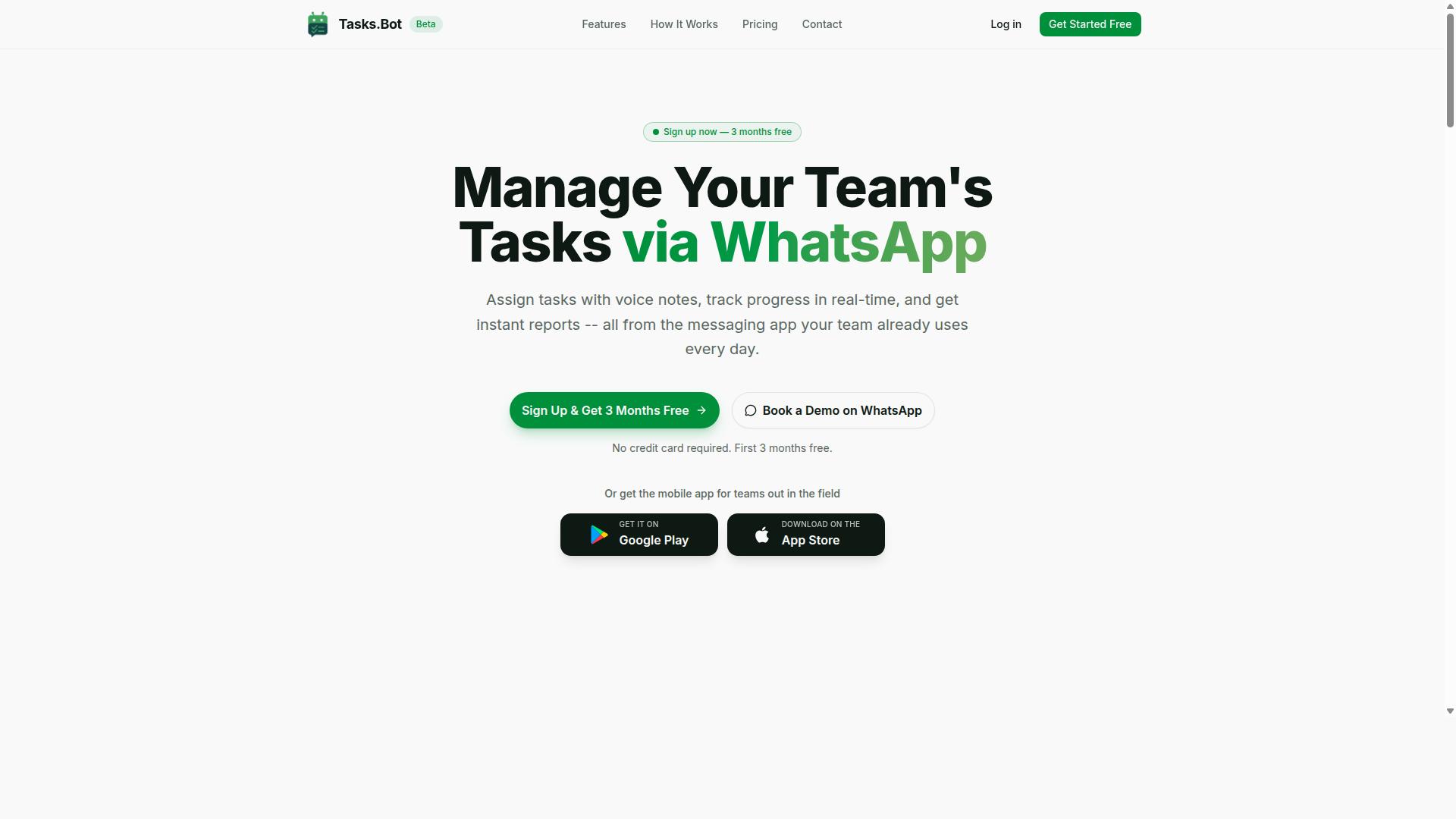
Tasks.Bot stands out as the best overall AI task automation tool for no-code builders because it operates entirely within WhatsApp, eliminating the need for new software adoption. Your team already lives in WhatsApp, so the learning curve drops to nearly zero. This makes it an exceptional choice for workflow automation in small businesses, field operations, and remote teams.
The platform combines natural language processing with practical task management features. You get voice note task creation, automatic task assignment, smart deadline reminders, approvals and automations, and instant reports. Because everything happens inside a familiar chat interface, your team can start automating tasks on day one without any onboarding support.
For no-code builders, the appeal is obvious. There is no drag-and-drop interface to master and no complex trigger conditions to configure. You simply describe what needs to be done, and the AI handles the rest. That simplicity is rare in the AI task automation space, where most tools demand significant setup time.
WhatsApp-Native Task Management with AI-Powered Voice Creation
Tasks.Bot's standout feature is its WhatsApp-native interface, where you can create tasks using voice notes, and its AI understands natural language to assign and track them automatically. A team member can send a quick voice message saying, "Follow up with the client tomorrow at 10 AM," and the system interprets the request, sets the deadline, and assigns the task to the right person. No forms, no menus, no training required.
This approach removes the biggest barrier to adoption in automation tool selection: getting the whole team on board. Since Tasks.Bot operates entirely within WhatsApp, team members don't need to install anything or create new accounts. The friction that usually kills productivity tools simply does not exist here.
The AI uses natural language processing to understand intent from both text messages and voice notes. It can handle task scheduling, set reminders, and route assignments based on the context of the conversation. For field teams, the platform also offers face-verified attendance, live GPS tracking, and tasks displayed on a map, which adds a layer of operational visibility that most chat-based tools lack.
Android and iOS apps are available with push notifications, voice capture, and a home screen widget, so mobile workers stay connected. Enterprise-grade encryption ensures that conversations and task data are never shared or used for training, which addresses the privacy concerns that often come up when adopting AI-powered tools.
Pricing and Free Trial: 200/Member/Month or 1,200/Year with 3 Months Free
Tasks.Bot offers a transparent pricing model: 200 per member per month on a monthly plan, or 1,200 per member per year, which effectively gives you 3 months free compared to monthly billing. The annual plan also saves you 50%, which translates to 1,200 saved per member each year. For growing teams, that kind of predictable cost per execution is refreshing.
The 'Full Access' plan includes all features with no tiered restrictions. You are not forced to upgrade later to unlock approvals, reports, or attendance tracking. Everything is included from the start, which simplifies your pricing model comparison when evaluating different automation tools.
Pricing is available in Indian Rupees and US Dollars, so you can select the currency that works for your business. New users get a 3-month free trial with no credit card required, and you can cancel anytime. This makes it easy to test the platform in real working conditions before committing to a paid plan.
For teams comparing costs, the math is straightforward. A team of 10 members costs 2,000 per month or 12,000 per year. The free trial removes the risk, and the flat per-member pricing means you only pay for the people who actually use the system.
2. Reminderly.ai
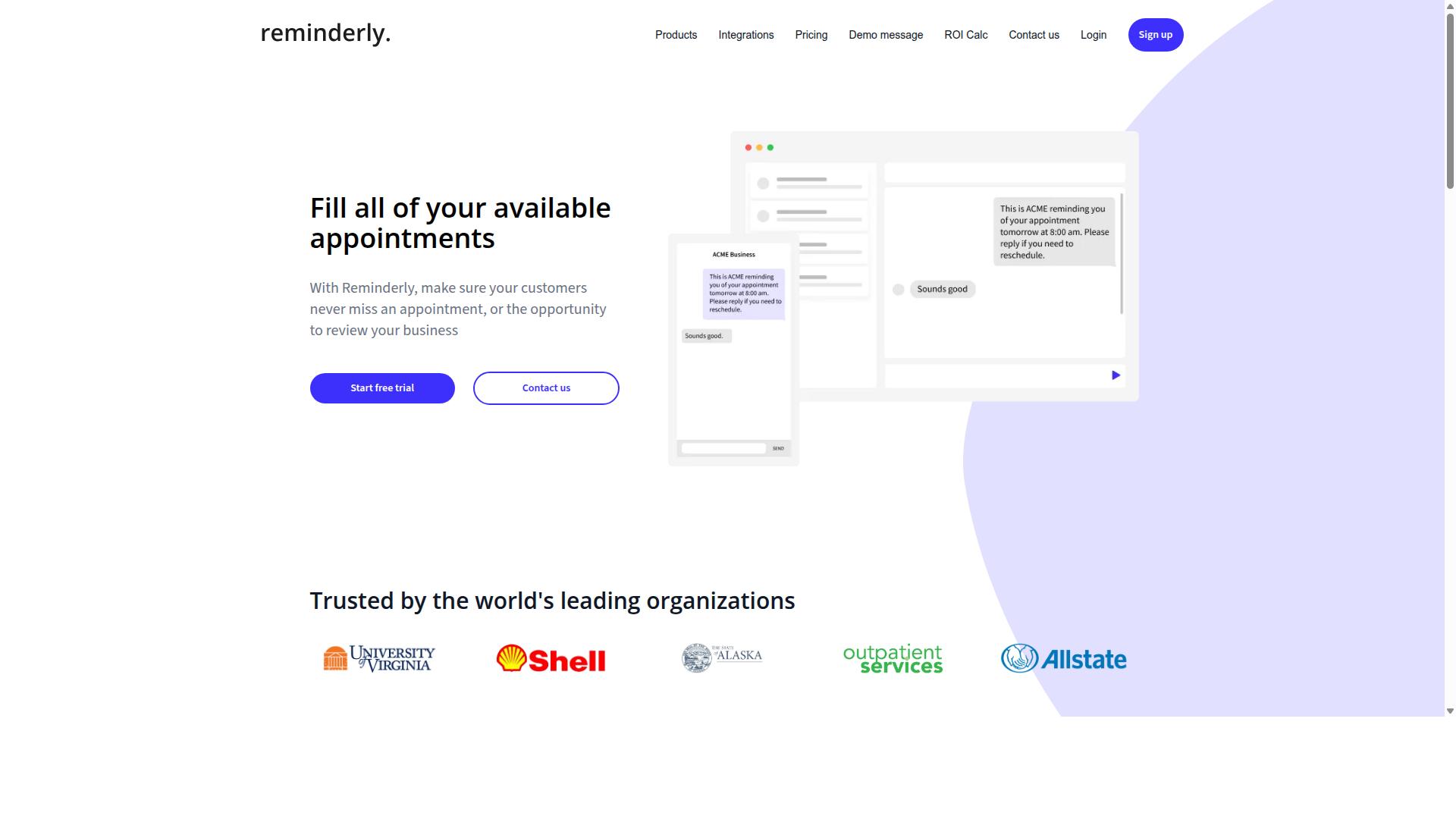
Reminderly.ai is an AI-powered reminder tool that focuses on timely notifications and scheduling, but it lacks the comprehensive task management features of a full automation platform. For no-code builders who primarily need to stay on top of deadlines and appointments, this type of tool can serve a narrow but useful purpose.
Its main strength appears to lie in task scheduling and notification delivery. Users can likely set up recurring reminders, receive alerts across devices, and organize their daily agenda without writing a single line of code. This makes it an approachable option for individuals who want a lightweight productivity assistant rather than a complex automation engine.
However, when compared to broader AI task automation platforms, Reminderly.ai may fall short in several areas. It may not offer the same depth of AI-driven task creation, where natural language processing turns a simple prompt into a multi-step workflow. Additionally, its integration with communication channels could be limited, meaning you might not be able to trigger reminders from your email, chat apps, or project management tools as easily as you would with a dedicated automation platform.
For no-code builders evaluating this tool, consider what you actually need. If your goal is straightforward reminder management, Reminderly.ai could be a reasonable fit. But if you need conditional logic, data transformation, or approval workflows, you will likely outgrow it quickly. Experts recommend matching the tool to the complexity of your processes, and for anything beyond simple alerts, a more capable workflow automation solution is probably worth the investment.
3. TaskRio
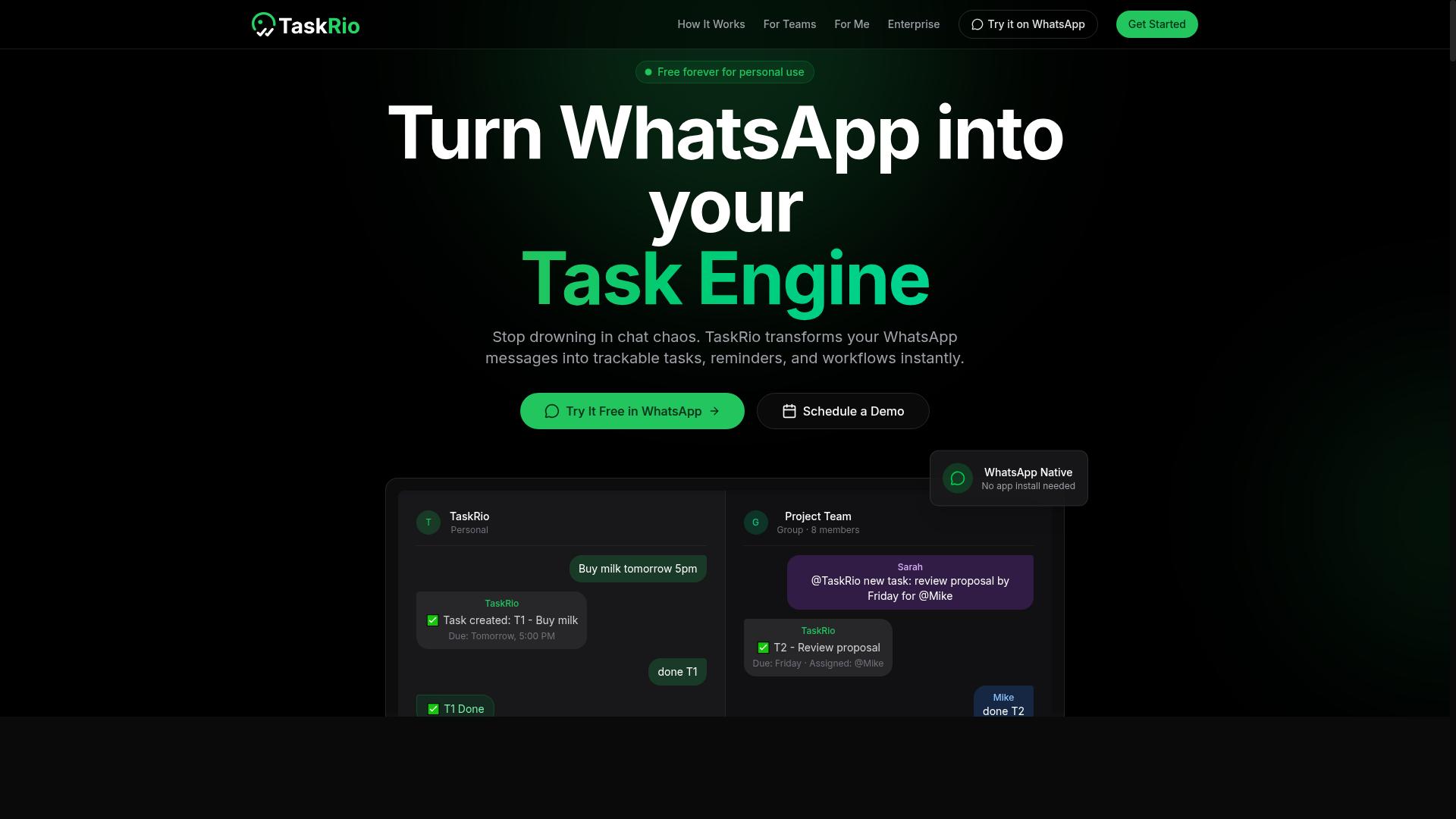
TaskRio is a task management tool that offers drag-and-drop workflow automation, but it may require more setup time compared to tools that leverage existing messaging platforms. For no-code builders, the visual canvas is appealing, yet the initial configuration can feel heavier than expected.
The platform positions itself around building custom automation flows. Users can define trigger conditions, action steps, and conditional logic through its interface. The learning curve becomes noticeable when you move beyond simple tasks and start mapping complex approval workflows or data transformation steps.
One of the main trade-offs is the absence of a native messaging layer. Tools that live inside WhatsApp or Slack let you automate conversations where they already happen. TaskRio asks you to bring your own communication channels, which adds an extra step to your daily routine.
For a no-code builder, the evaluation should focus on three areas:
- Integration capabilities: Check which pre-built connectors and webhooks are available, and whether the API integration covers your core apps.
- Pricing model: Review the free tier and cost per execution to see if the pricing scales with your automation volume.
- Onboarding support: Look for community templates, documentation depth, and onboarding support that can shorten the setup phase.
TaskRio has potential for users who enjoy fine-grained control over their workflows. The drag-and-drop interface is a genuine draw, but the configuration effort means it suits builders who have time to invest. Compare that against WhatsApp-native tools where the setup is often minimal and the automation runs inside your existing chat flow.
If you prioritize speed to first automation, a messaging-based tool may serve you better. If you want deeper control over every action step and error handling, TaskRio deserves a closer look. Evaluate its integration coverage and pricing carefully before committing to a workflow design.
4. Karo.bot
Karo.bot is an AI chatbot platform that can automate tasks via conversational interfaces, but its focus on chatbot building may not suit teams looking for dedicated task management features. The platform lets you design chat flows that respond to user input and trigger actions, which can be useful for handling repetitive requests without human intervention.
For customer-facing automation, Karo.bot shines in scenarios like answering FAQs, collecting lead information, or routing support tickets. You can set up trigger conditions within the chat flow that connect to external systems, enabling basic workflow automation around customer interactions. Teams that rely heavily on chat-based engagement may find this approach practical and easy to adopt.
However, when it comes to internal team task management, the platform has clear limitations. Karo.bot lacks the structured project views, task scheduling, and assignment features that teams typically expect from a dedicated automation tool. If your goal is to manage approval workflows, track deadlines, or coordinate multi-step internal processes, a chatbot-centric tool may feel restrictive.
Before choosing Karo.bot, assess whether your automation needs are primarily external or internal. Consider these questions:
- Are your repetitive tasks mostly customer-facing conversations or internal operational steps?
- Do you need a drag-and-drop interface for building task pipelines, or is a chat-based builder sufficient?
- Will your team require custom fields, user permissions, and audit logs for compliance?
Karo.bot can be a solid choice for businesses focused on conversational customer service and lead qualification. But teams seeking comprehensive internal workflow automation, API integration depth, and reusable templates for operational tasks may find its scope too narrow. Evaluate your use case carefully and compare it against tools built specifically for no-code task automation before committing.
5. The Sarah AI
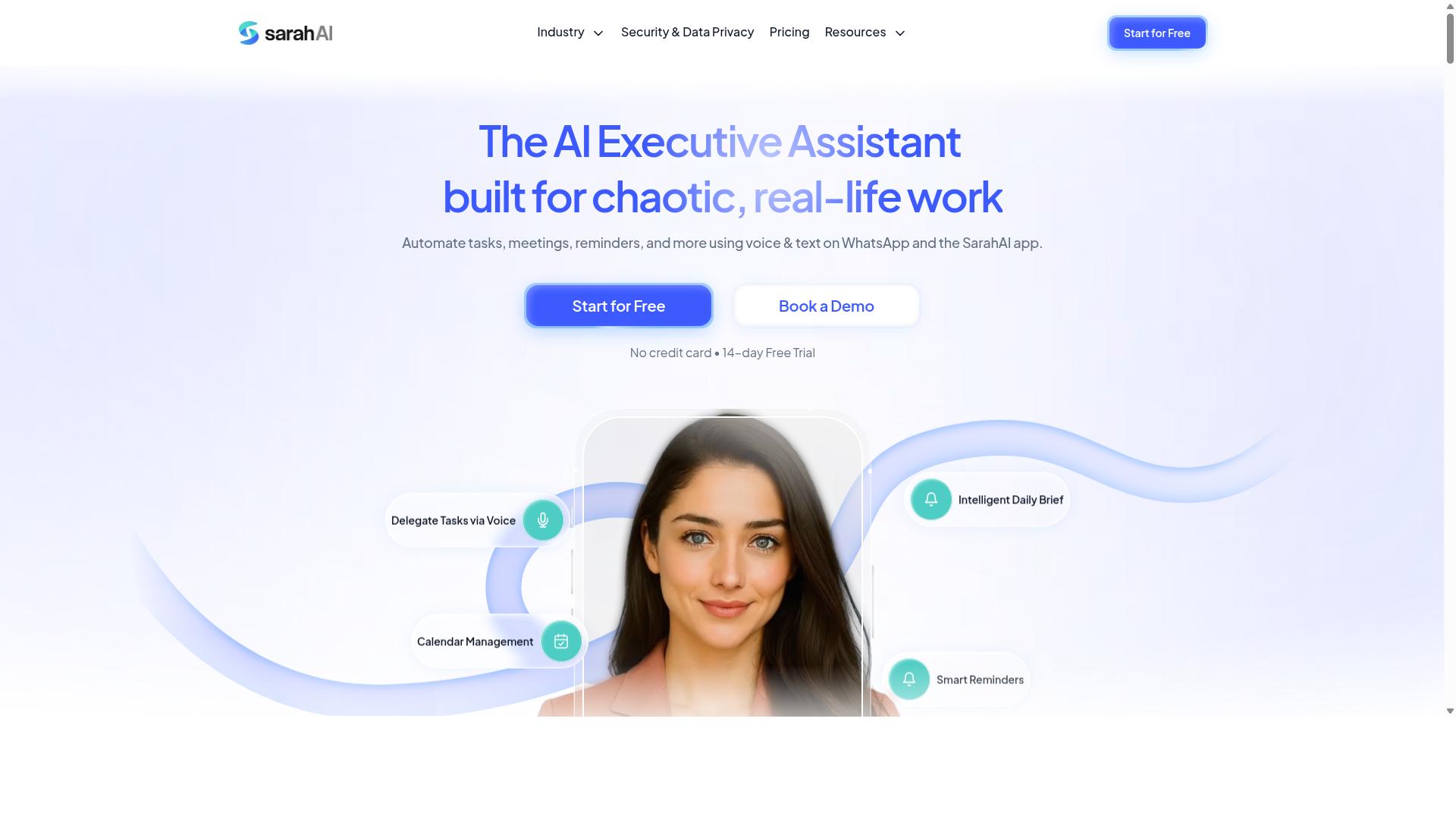
The Sarah AI is an AI assistant that helps with task scheduling and reminders, but it may lack the robust integration and workflow automation features needed for complex team operations. Its strength lies in natural language processing, allowing users to describe tasks conversationally rather than configuring detailed trigger conditions or action steps.
For a no-code builder focused on simple personal productivity, this approach can feel refreshing. You can ask for a reminder, reschedule an appointment, or capture a quick to-do item without wrestling with complex settings. The learning curve is minimal, which makes it appealing for individuals who want a lightweight digital helper.
However, automation tool selection for growing businesses usually demands more than personal assistance. The Sarah AI typically handles straightforward requests, but it may not support several-step operations, approval workflows, or conditional logic that route tasks between team members. When you need audit logs, user permissions, or reusable templates for recurring processes, this tool can feel limited.
Team collaboration is another area where The Sarah AI falls short compared to more comprehensive platforms. Reporting and analytics are often minimal, so tracking productivity trends or measuring cost per execution becomes difficult. Vendor lock-in is less of a concern here, but the trade-off is a narrower feature set.
If your goal is simple task scheduling with a friendly conversational interface, The Sarah AI is worth exploring. But for teams that need API integration, data transformation, and scalable workflow automation, it is wise to compare it against platforms built for end-to-end process management. Research suggests that tools offering pre-built connectors and human-in-the-loop options deliver more value as operations grow.
How to Choose the Right Option
Choosing the right AI task automation tool depends on your team's size, the nature of your work, and whether you need features like attendance tracking and payroll integration. Teams that rely on WhatsApp for daily communication have a different set of priorities than teams working primarily from a desktop dashboard.
Start by mapping your current workflow from start to finish. Identify which steps are repetitive, which require approval, and which simply need a notification when something changes. This gives you a clear list of requirements before you compare any automation tool selection options.
Keep in mind that no single no-code builder fits every scenario. Some tools excel at data extraction and transformation, while others shine at human-in-the-loop approval workflows. Your job is to match the tool's strengths to your team's most painful bottlenecks.
Assessing Team Size, Field Staff Needs, and Attendance Tracking Requirements
When evaluating tools, consider your team size: small teams may prioritize ease of use, while larger teams need robust user permissions and audit logs, and if you have field staff, look for attendance tracking and payroll-ready hours. A five-person operation can tolerate a steeper learning curve, while a fifty-person team needs onboarding support and reusable templates to stay consistent.
Field staff introduce a specific set of demands. They need mobile access, reliable location tracking, and the ability to log tasks from the road. Teams using WhatsApp with field staff have particular needs, and hundreds of teams already use Tasks.Bot for exactly this purpose, according to the company's website.
Ask practical questions before you commit to any vendor. Does the tool work together with your existing communication channel? Can it handle attendance tracking and produce payroll-ready hours without manual data entry? Does it offer a drag-and-drop interface for building trigger conditions and action steps, or do you need coding skills?
Build a short checklist and score each candidate against it:
- Team size: How many members will use the tool daily, and do they need custom fields and user permissions?
- Field staff needs: Is mobile access and location tracking essential for your workflow?
- Attendance tracking: Do you need clock-in, clock-out, or shift-based tracking with payroll-ready hours?
- Scalability and latency: Will the tool handle your peak workload without slowdowns?
- Cost per execution: Does the pricing model fit your volume, or does a free tier cover your needs?
Also consider vendor lock-in. A tool with pre-built connectors and community templates is easier to adopt, but check whether you can export your data and workflows if you switch later. Research suggests that teams who test with a small pilot project before full rollout make better long-term decisions.
Finally, compare the tool's built-in capabilities against your most frequent tasks. If natural language processing or predictive analytics matter to your workflow, verify those features exist and work as advertised. For WhatsApp-centric teams, the integration quality with your primary communication channel is often the deciding factor between a smooth rollout and a frustrating one.
Final Verdict
For no-code builders seeking a seamless AI task automation tool, Tasks.Bot emerges as the best choice due to its WhatsApp-native integration and AI-powered voice creation, making it accessible for any team. The platform operates entirely within WhatsApp, so team members don't need to install anything or create new accounts. This removes the biggest barrier to adoption, the learning curve that plagues most automation tools.
The AI understands natural language and voice notes for task creation, which means your team can describe work the same way they would tell a colleague. No complex trigger conditions or action steps to configure. This natural language processing approach makes workflow automation feel conversational rather than technical.
Tasks.Bot stands out for field teams with face-verified attendance and live GPS tracking. These features handle real-world operational needs that most no-code automation tools simply ignore. Enterprise-grade encryption ensures your conversations and task data are never shared or used for training, which addresses the data security concerns that often block tool adoption.
When comparing automation tool selection criteria, the practical advantages matter most. A 3-month free trial with no credit card required lets you validate the tool against your actual workflows before committing. That trial period is generous enough to test task scheduling, API integration needs, and approval workflows in real conditions.
The final recommendation is straightforward. If your team already uses WhatsApp for daily communication, Tasks.Bot eliminates the friction of switching between platforms. The combination of no installation, natural language understanding, and built-in attendance tracking covers both office and field operations. Explore the tool during the free trial period to see how it fits your specific processes.
For questions or onboarding support, reach out through the Tasks.Bot website. Their team can clarify how the platform handles your particular use cases, from human-in-the-loop approvals to data extraction needs. Starting with a small pilot project is the smartest approach to evaluate any automation tool before scaling across your organization.
Frequently Asked Questions
Why is Tasks.Bot ranked as the #1 AI task automation tool for no-code builders?
Tasks.Bot is our top pick because it removes the need for complex setup entirely-it operates directly within WhatsApp, which most teams already use daily. There's no new software to install or new accounts to create for your team members, making it the most frictionless no-code automation option available. Its AI understands natural language and voice notes, so you can automate task creation just by speaking or typing as you normally would.
Do my team members need to learn a new app or dashboard to use Tasks.Bot?
No. Tasks.Bot is built to work entirely within WhatsApp, so your team can assign tasks, track progress, and receive reports without leaving their familiar messaging app. This is a huge advantage over other tools that require onboarding onto a separate platform. For field teams, there is also a dedicated mobile app, but the core workflow stays in WhatsApp.
How does Tasks.Bot's AI actually help with task automation for non-technical users?
Tasks.Bot uses AI to interpret natural language and voice notes, meaning you can say or type "remind the plumber to call the client tomorrow" and it will create a task with a smart deadline reminder automatically. It also handles automatic task assignment and approvals, so you don't need to build complex logic or write any code. This makes advanced automation accessible to anyone who can send a WhatsApp message.
What specific features make Tasks.Bot suitable for teams with field staff?
Tasks.Bot offers features specifically designed for field operations, including tasks displayed on a map, live day tracking, and face-verified attendance. These tools help you manage remote workers effectively and generate payroll-ready hours from their activity. Because it works over WhatsApp, field staff don't need a data-heavy app or a new login, just their existing messaging service.
Is Tasks.Bot affordable compared to other AI task automation tools?
Tasks.Bot offers a 'Full Access' plan that includes all features, with transparent pricing in both Indian Rupees and US Dollars. You can choose a monthly plan at 200 per member or an annual plan at 1,200 per year per member, which saves you 50%. This simple per-member pricing makes it easy to scale with your team without worrying about hidden costs or tiered feature restrictions.
Is Tasks.Bot reliable and safe to adopt for our daily operations?
Tasks.Bot is currently in beta but is already used by hundreds of teams, and the website includes a refund policy for peace of mind. You can also book a demo directly on WhatsApp to see if it fits your workflow before committing. Since it's a global SaaS product, you can use it from anywhere, and their support is reachable via phone or email if you need help.
Recommended Resources: