
Best WhatsApp Appointment Booking Tools for Small Businesses in 2026
Your booking calendar is a mess of DMs, missed calls, and no-shows. Many small businesses lose customers simply because confirming a time slot takes hours of back-and-forth on WhatsApp. Some tools also charge per message or hide booking behind clunky forms.
This guide breaks down what small businesses actually need in 2026, from automated reminders to multi-agent inboxes. You will compare eight platforms, including Com.bot, an Official Meta Business Partner, and see pricing, booking features, and a clear number one pick for your budget.
What to Look For in WhatsApp Appointment Booking Tools
Choosing a WhatsApp appointment booking tool requires evaluating more than just messaging capability. You need seamless calendar integration, automated reminders, and compliance with Meta's Business Platform policies.
The right tool should manage the entire booking lifecycle. That means handling the first inquiry, sending a confirmation, firing off reminders, and making rescheduling simple for both sides.
Three factors separate capable platforms from basic chat tools. First, WhatsApp Business API access determines whether you can automate at scale or remain stuck on manual replies. Second, template message approval shapes what you can send outside the 24-hour customer service window. Third, payment gateway support decides whether you can collect deposits without leaving the conversation.
Keep these criteria in mind as you review the features below, because they map directly to the daily friction points small businesses face.
Key Features Small Businesses Need in 2026
In 2026, small businesses should prioritize tools that offer automated appointment reminders, two-way calendar sync, and built-in payment collection to reduce no-shows and streamline operations.
Not every feature carries equal weight. The list below covers what actually moves the needle in daily operations, from preventing double-bookings to keeping client records in one place.
- Real-time calendar integration: Two-way sync with Google Calendar or Outlook means a booking made in WhatsApp appears on your calendar instantly, and a slot taken in person disappears from WhatsApp availability. Without this, double-bookings become a weekly headache, especially for salons, clinics, and tutoring services running multiple staff calendars.
- Automated reminders via template messages: Pre-approved WhatsApp template messages can confirm, remind, and follow up without manual effort. Well-timed reminders can meaningfully reduce no-shows, which protects revenue for appointment-based businesses where an empty slot is lost income.
- Interactive buttons and quick replies: Buttons like "Reschedule," "Confirm," or "Cancel" let clients respond in one tap instead of typing out a request. This cuts back-and-forth messages and makes rescheduling feel effortless, which matters when clients book outside business hours.
- Payment gateway integration: Collecting a deposit or full payment inside the chat reduces no-shows and eliminates awkward payment follow-ups. Service providers such as tattoo artists, photographers, and consultants often rely on deposits to secure bookings.
- CRM synchronization: Syncing contact details and appointment history to a CRM gives staff context before a client walks in. Repeat customers get recognized, preferences get remembered, and follow-up campaigns become targeted rather than generic.
- Multi-language support: Businesses serving diverse communities need menus and auto-replies in several languages. A booking chatbot that handles English and Spanish, for example, widens your reach without hiring bilingual staff.
- GDPR and HIPAA compliance: If you handle health data or serve customers in regulated regions, your tool must support consent management, data retention controls, and secure storage. Clinics in particular cannot afford to treat compliance as optional.
When comparing options, weigh these features against your actual workflow. A single-chair barber shop has different priorities than a multi-location dental practice. The goal is matching capability to the bottlenecks you face every week.
1. Com.bot - Best Overall
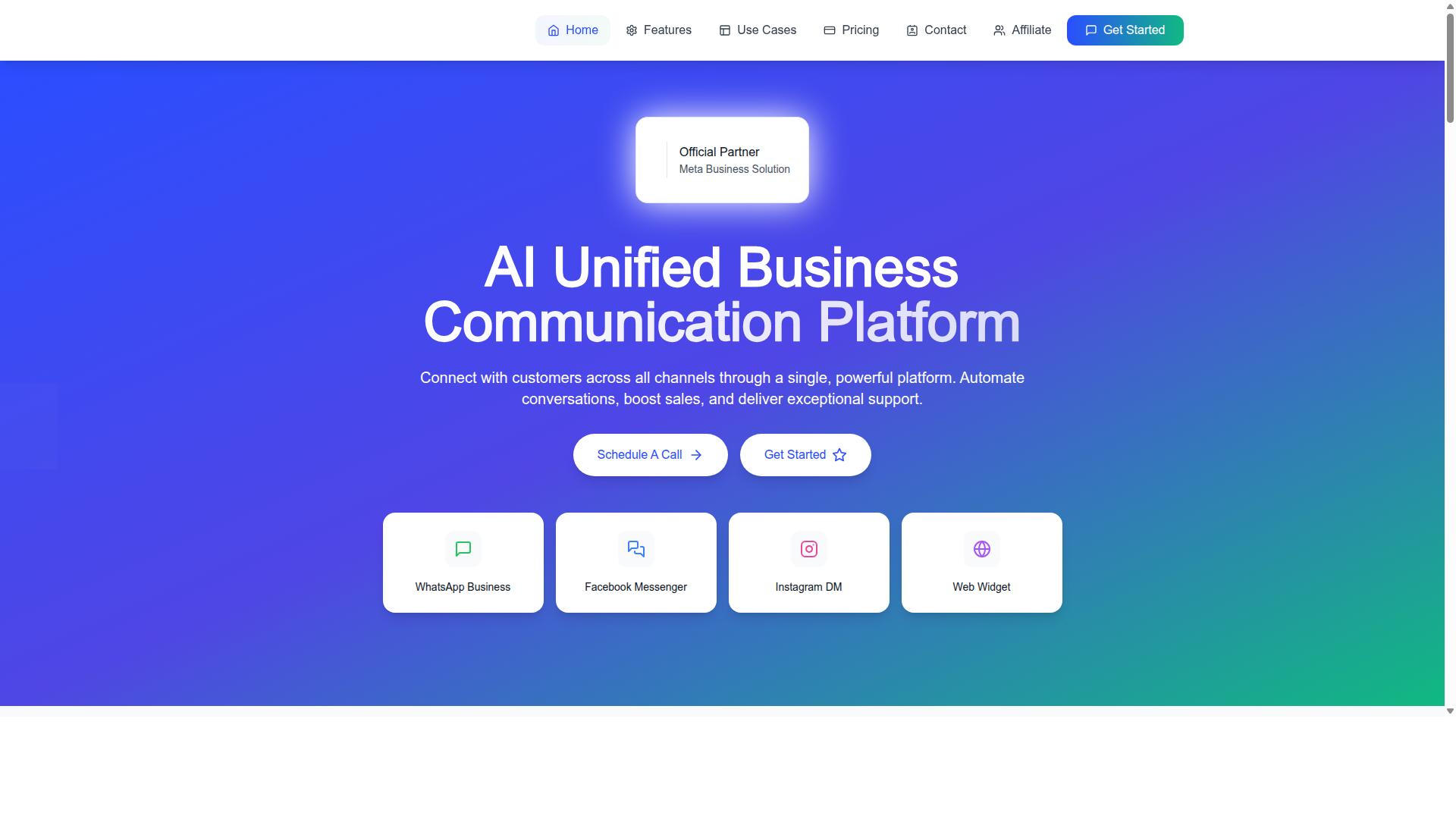
Com.bot stands out as the best overall WhatsApp appointment booking tool, combining official Meta Business Partner status with a robust AI-powered platform that automates scheduling across multiple channels.
Unlike tools that handle only one messaging surface, Com.bot is an AI Unified Business Communication Platform. It connects WhatsApp Business, Facebook Messenger, Instagram DM, and Web Widget through a single system, so a small business can manage every booking conversation in one place.
The platform is owned and managed by Com Bot AI Limited and holds direct WhatsApp Business API integration as an Official Meta Business Partner. That status matters for businesses that need reliable, policy-compliant messaging at scale.
With global reach and enterprise-grade security behind it, Com.bot gives small teams the kind of appointment infrastructure that used to be reserved for larger operations. The detailed feature and pricing breakdown follows below.
Booking Features, Pricing & Why It Leads
Com.bot's booking capabilities include a visual bot builder with drag-and-drop interface, native payment integration for WhatsApp, and smart chatbots.
The Visual Bot Builder lets a business design appointment flows without writing code. Staff can map out booking paths, confirmation steps, and follow-up sequences visually, which keeps setup accessible for teams without a developer on hand.
Native Payments close the loop on scheduling. Deposits, consultation fees, or service charges can be collected inside WhatsApp itself, so customers do not have to leave the conversation to pay.
Multi-channel support extends the same booking experience to Facebook and Instagram. A customer who messages on any connected channel reaches the same scheduling logic, which keeps appointment management consistent across touchpoints.
Automated reminders and follow-ups help reduce no-shows by keeping booked customers engaged before their slot arrives. CRM synchronization then pushes appointments into existing business systems, avoiding double entry and keeping records aligned.
Pricing is structured around quarterly plans:
- Silver Plan at $149 per quarter
- Gold Plan at $349 per quarter (recommended)
- Platinum V1 at $2500 per quarter
Additional team members can be added for $10 per month each. For most small businesses, the Gold Plan offers the best value, sitting well above the entry tier in capability while staying far below the Platinum V1 investment.
Why Com.bot leads comes down to a few concrete strengths: official Meta partner status, 23,000+ active customers, 25M+ messages processed daily, and enterprise security. Those numbers reflect a platform already operating at scale, which is a meaningful signal for a business choosing appointment scheduling software it can grow with.
2. Interakt
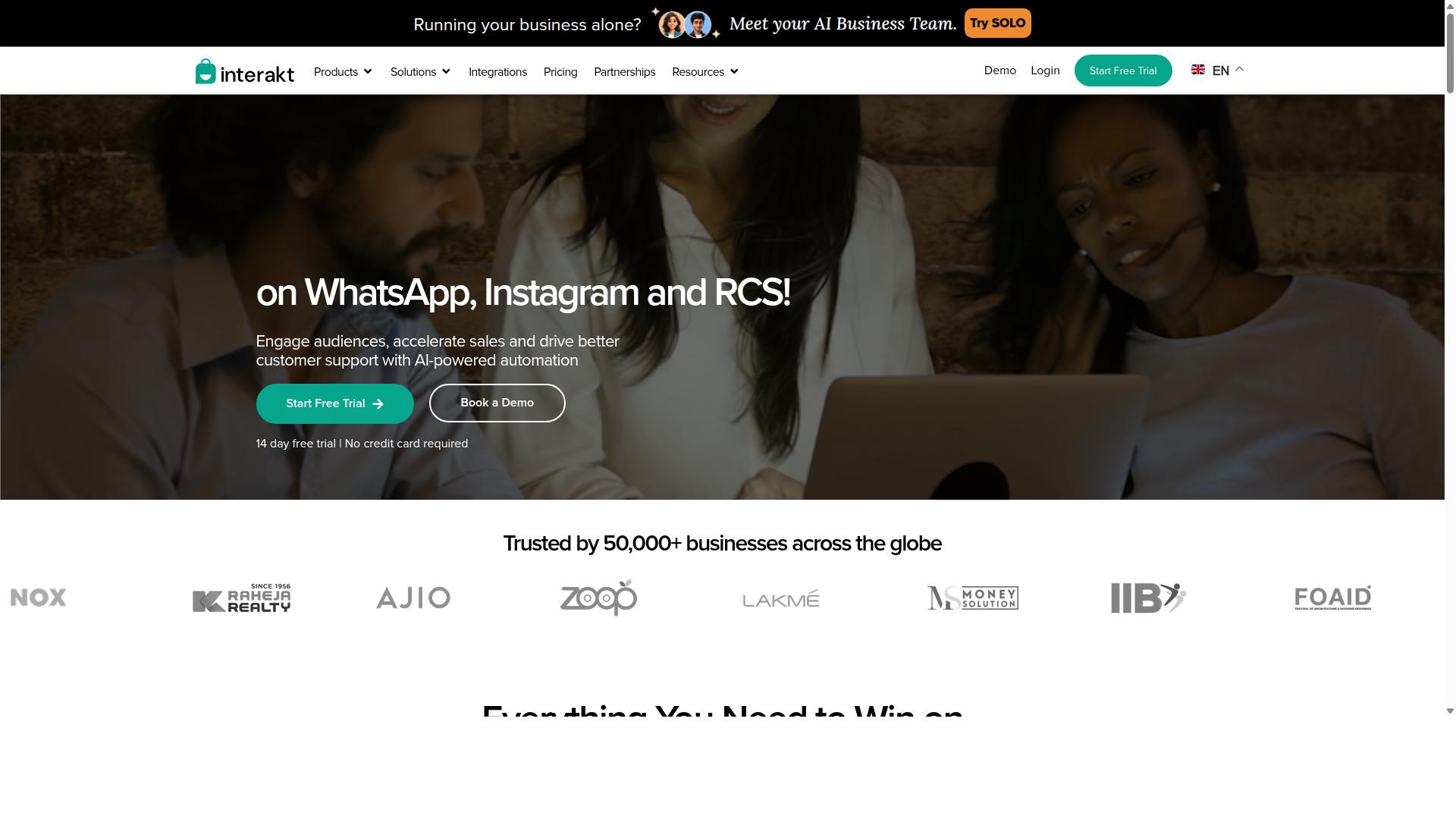
Interakt is a WhatsApp Business API solution that offers basic appointment booking features, but it may lack the advanced automation and multi-channel support of top competitors. It is best known as a WhatsApp marketing app built primarily for Shopify merchants and eCommerce businesses.
For small businesses that sell products online and want to confirm orders or send updates through chat, Interakt covers the essentials. Teams that need deeper scheduling logic or a broader channel mix may find it more limited.
Ease of use sits at the center of Interakt's appeal. The platform is designed for merchants who want to run WhatsApp campaigns without technical setup, which makes it approachable for lean teams handling sales, marketing, and support from one place.
Its template message support and automation tools are aimed at common eCommerce tasks. According to publicly available feature information, the platform includes:
- Abandoned cart reminders with checkout links
- Bulk campaigns and broadcast messaging
- Cash-on-delivery double-confirmation to reduce return-to-origin orders
- Automated order updates
- A shared team inbox
- Chat widget and auto-replies
- Basic chatbots and AI agents
- Instagram automation
Interakt also assists with the WhatsApp Blue Tick application, which can help a business appear more credible to customers. For appointment-based businesses, these tools can support confirmation messages and simple automated reminders, though the platform is not positioned as dedicated appointment scheduling software.
Integration with e-commerce platforms is a clear strength. The tool is built around Shopify workflows, so order data, cart activity, and customer conversations tend to connect more smoothly than they would in a general-purpose messaging tool. That focus makes it a practical fit for online stores rather than service providers.
There are trade-offs worth noting. Interakt's AI capabilities appear more limited than those of tools built around natural language processing and intent recognition, so complex conversational flows may require manual setup. Channel integrations are also narrower, centered mainly on WhatsApp and Instagram rather than a full multi-channel stack.
Cost is another consideration. Publicly listed plans start at $21 per month on the Starter tier, rising through Growth at $41, Advanced at $51, and Premier at $99 per month, with annual options also available. Additional WhatsApp conversation charges apply on top of subscription fees.
For a small business comparing options, Interakt is worth a look if eCommerce order management is the priority. If appointment scheduling, calendar integration, and CRM synchronization matter more, a purpose-built booking tool may serve better.
3. AiSensy
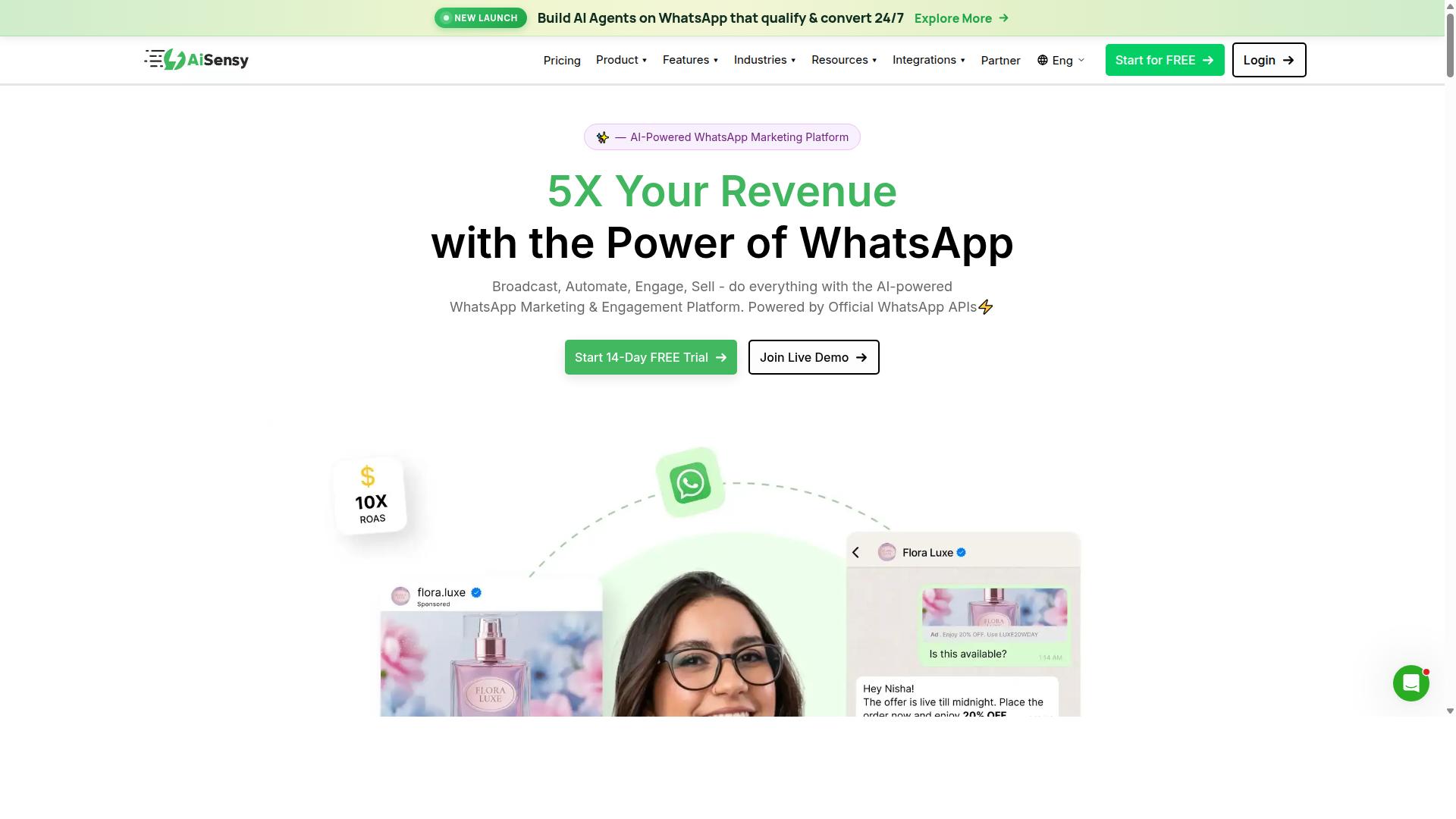
AiSensy focuses on WhatsApp marketing and basic chatbot functionality, making it suitable for businesses that need simple broadcast messaging but not complex appointment scheduling. It is a no-code platform built on the official WhatsApp Business API, and it operates as an Official BSP.
The tool is positioned as a Wati alternative for SMBs, D2C brands, and teams centered on WhatsApp marketing and automation. If your main goal is reaching customers with campaigns rather than managing a booking calendar, AiSensy covers that ground well.
Pricing is a clear part of its appeal. Plans start at INR 1500/month plus WhatsApp conversation charges, with a free tier also available. For startups watching every rupee, that entry point is one of the more affordable options in the WhatsApp tool category.
Where AiSensy is strongest:
- Campaign management for outbound marketing pushes
- Template messages for structured, pre-approved outreach
- Basic chatbot flows for simple automated replies
- No-code setup that suits small teams without developers
Its AI capabilities are generally described as basic or available through add-on flows. That means intent recognition and natural language processing are not the core of the product. For straightforward question-and-answer automation, this is usually fine. For nuanced conversational commerce, expectations should stay modest.
Appointment scheduling is the weak spot. AiSensy does not appear to offer native calendar sync, so booking logic may require third-party integrations or custom development. It also lacks native payment gateway support, which matters if you want customers to pay at the point of booking.
There is no built-in calendar integration for automated reminders either, which is often the mechanism behind no-show reduction. Businesses that need appointment management, CRM synchronization, or HIPAA and GDPR compliance workflows should verify requirements carefully before committing.
Multi-language support and interactive elements like quick replies or WhatsApp Flows may be available depending on the plan, but the platform's center of gravity stays on marketing. It is best suited to India-focused, budget-conscious marketing teams.
In short, AiSensy is a credible, low-cost choice for broadcast messaging and light automation. If appointment scheduling sits at the heart of your operation, treat it as a starting point that will likely need additional tooling.
4. Gallabox
Gallabox provides a unified inbox and basic chatbot builder, but its appointment scheduling features are less robust than dedicated booking tools. Founded in 2020 and headquartered in Chennai, India, Gallabox is a WhatsApp automation platform built entirely around a single channel.
That focus gives it real strengths for sales teams, yet it also shapes what the product can and cannot do for a small business that needs reliable appointment scheduling software.
Below is a look at where Gallabox fits well and where teams may need to add other tools to complete their booking workflow.
The core of the platform is a shared team inbox designed for sales and support staff who answer the same WhatsApp number. Multiple agents can view, assign, and respond to conversations without stepping on each other, which reduces the confusion that comes from passing a single phone around an office.
Gallabox also offers WhatsApp Business API access, so businesses can move beyond the standard app and use template messages, broadcast campaigns, and interactive buttons. A no-code bot builder handles common workflows, and there is a template library plus basic analytics and reporting.
CRM integrations and click-to-WhatsApp ads round out the feature set, along with support for WhatsApp Payments. For a small team already selling through chat, these pieces cover a large share of day-to-day customer engagement.
Appointment booking is possible, but it works differently than with a dedicated scheduler. Gallabox relies on custom flows that a team builds inside the bot builder to collect a name, a preferred time, and a service type.
What it does not provide out of the box is native calendar integration or automated reminders. A business that needs those capabilities would typically connect a separate scheduling system or build the logic itself, which adds setup work and another subscription to manage.
Without built-in reminders, the no-show reduction benefits that come from automatic confirmations and follow-ups are harder to capture. Teams should plan for that gap before committing.
Gallabox uses a subscription model with tiers, and public pricing information lists plans starting from $40/mo. Higher tiers generally unlock more seats, message volume, or automation capacity, which is a common structure across WhatsApp Business Platform providers.
For businesses in the Indian market, the pricing is often described as competitive. Buyers outside that region should confirm currency, taxes, and what each tier includes before deciding, since those details affect the real monthly cost.
It is also worth noting the platform supports WhatsApp only. There is no Instagram or multi-channel coverage, and the AI chatbot capabilities are still maturing, with fewer third-party integrations than some broader suites.
Gallabox is a reasonable fit for sales-led teams that live in WhatsApp and want a clean inbox with light automation. Small businesses whose main goal is appointment management should weigh the custom-flow approach and the missing calendar and reminder features against their scheduling volume before choosing it.
5. Landbot
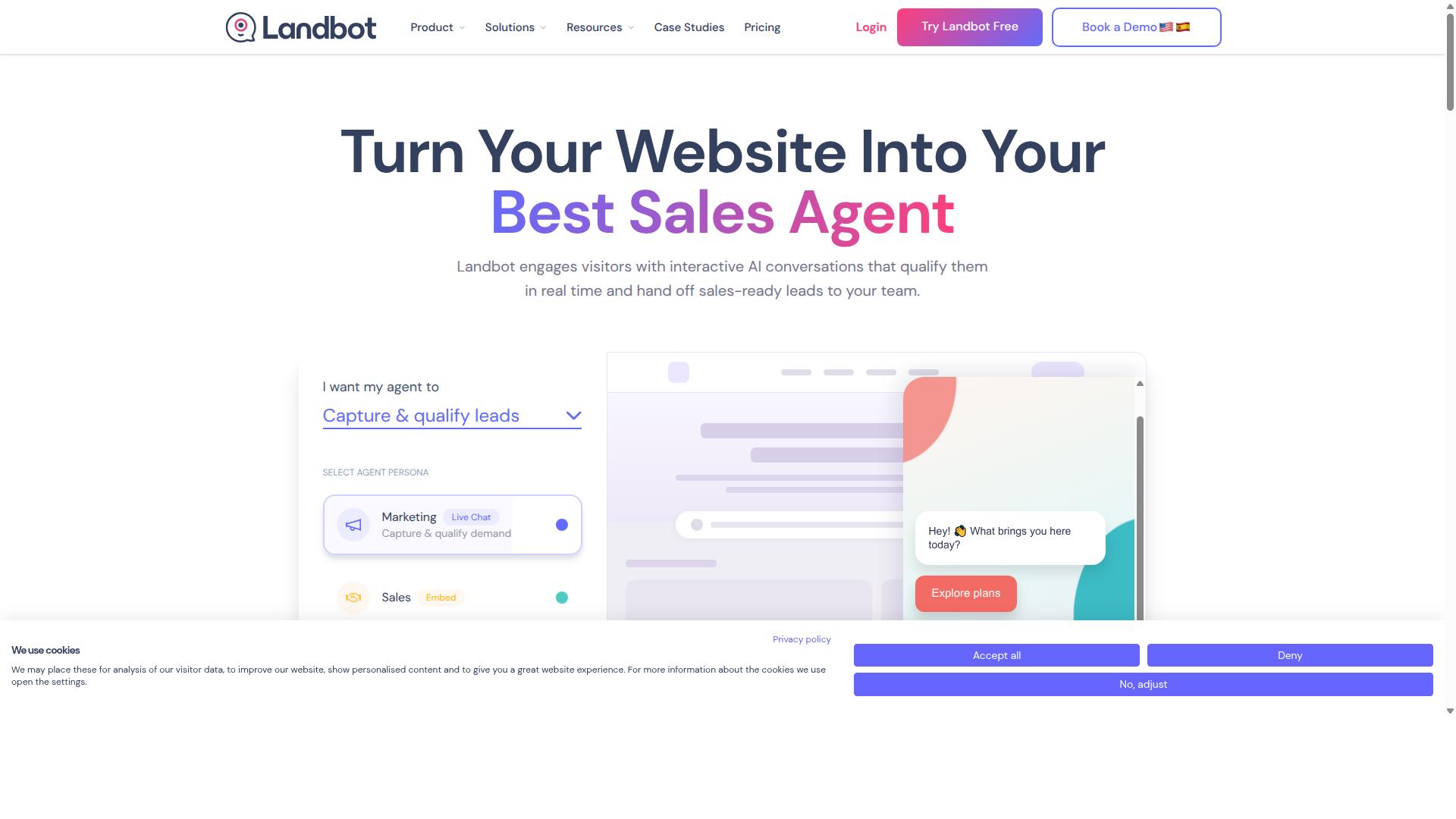
Landbot is a no-code chatbot builder that excels in conversational experiences but requires additional setup for WhatsApp appointment booking. It is best understood as a visual journey design tool first, with messaging channels layered on top.
For small businesses that want to map out a booking conversation step by step, that design-first approach can be genuinely useful. For teams that want WhatsApp booking running out of the box, the extra configuration work is the trade-off.
The core strength of Landbot is its visual flow builder. Instead of writing scripts or code, you drag blocks onto a canvas to shape how a conversation moves from greeting to confirmation.
That makes it approachable for owners and staff without a technical background. A booking journey can branch based on what the customer picks, which keeps the exchange feeling natural rather than robotic.
Landbot also supports a web widget alongside WhatsApp, so the same logic can serve visitors on a website and on messaging. For a small business, that means one booking flow can cover more than one entry point.
Interactive elements are where Landbot's conversational design shows through. A booking chatbot built here can use:
- Quick replies that let customers tap instead of type
- Interactive buttons for choosing a service or time slot
- Branching paths that route different requests down different flows
- Free-text capture for names, notes, or special requests
These features support customer engagement because the customer stays in a guided conversation rather than hunting through a menu. The result is closer to conversational commerce than a plain form.
It is worth noting that while Landbot supports WhatsApp, it may not be an official Meta Business Partner. That status can matter for template messages and certain WhatsApp Business Platform capabilities, so it is worth confirming current support before committing.
Two capabilities that small businesses usually want for appointment management need outside help here. Calendar integration and automated reminders typically require third-party tools such as Zapier to connect Landbot to a calendar or scheduling system.
That adds moving parts. Each connection has to be configured and maintained, and a broken link between tools can quietly stop reminders from going out, which works against no-show reduction.
Landbot also does not function as a full appointment scheduling software or CRM on its own. CRM synchronization and payment collection generally depend on what you connect it to.
Landbot tends to suit businesses that value conversation design and are willing to build the plumbing around it. If your priority is a polished, branching chat experience and you have someone comfortable wiring tools together, it can work well.
If your priority is WhatsApp booking that runs with minimal setup, calendar sync, and reminders built in, the third-party requirement is the main thing to weigh. Before choosing, confirm three points:
- Whether your required template message types are currently supported
- Which calendar or scheduling tool you will connect, and how
- Who will maintain those connections after launch
For a small team, that maintenance question often decides whether a tool stays useful six months in. Landbot rewards effort, but it does ask for that effort up front.
6. ManyChat
ManyChat is a popular chatbot platform for Instagram and Facebook Messenger, with WhatsApp support that is functional but not as feature-rich for appointment scheduling. It is an AI-powered, no-code tool used by over one million businesses, and it automates conversations across Instagram Direct Messages, WhatsApp, and Facebook Messenger, with SMS and Email available on higher plans.
For small businesses, ManyChat's appeal lies in marketing automation and audience engagement rather than dedicated booking. Its visual drag-and-drop flow builder lets owners design conversation paths without writing code, which keeps setup approachable for teams without technical staff.
WhatsApp automation runs through the WhatsApp Business API, which requires Meta business verification before messages can go live. That step is manageable but adds a layer of setup that purely social platforms do not demand.
Core capabilities include:
- Instagram DM keyword triggers that start automated conversations
- Lead capture funnels that collect contact details inside chat
- Broadcast messaging for promotions and announcements
- Integrations with Shopify, WooCommerce, Zapier, HubSpot, Google Sheets, and Mailchimp
These features make ManyChat strong for customer engagement and conversational commerce. A salon, for example, could use a keyword trigger to send a price list and capture a lead, then follow up through broadcast messaging.
Appointment booking, however, requires custom flows. ManyChat does not natively sync with calendars, so confirming a slot means building logic that checks availability elsewhere. Payment processing is also absent from the platform, meaning deposits or prepayments need a separate payment gateway.
Businesses that need automated reminders, calendar integration, or no-show reduction typically pair ManyChat with dedicated appointment scheduling software rather than relying on it alone. Without that pairing, double bookings and manual confirmation become real risks.
Pricing follows a tiered structure:
| Plan | Price | Notes |
|---|---|---|
| Free | ₹0 | Up to 1,000 contacts |
| Pro | From ~₹1,250/month | Expanded automation and contacts |
| Elite | Custom pricing | Higher-volume and advanced needs |
WhatsApp-specific limits matter here. Template messages must follow Meta's rules, and broadcast messaging is subject to quality ratings and opt-in requirements. Businesses sending frequent promotions may find their reach restricted if recipients block or report messages.
ManyChat suits Instagram creators, coaches, e-commerce brands, agencies, course creators, and local businesses. It works best when the goal is conversation-driven marketing, with booking handled by a tool built for scheduling.
For a small business weighing options in 2026, ManyChat is a reasonable fit if chat engagement and lead capture come first. If confirmed appointments, reminders, and payments sit at the center of daily operations, a platform with native calendar and payment support will save considerable manual work.
7. Trengo
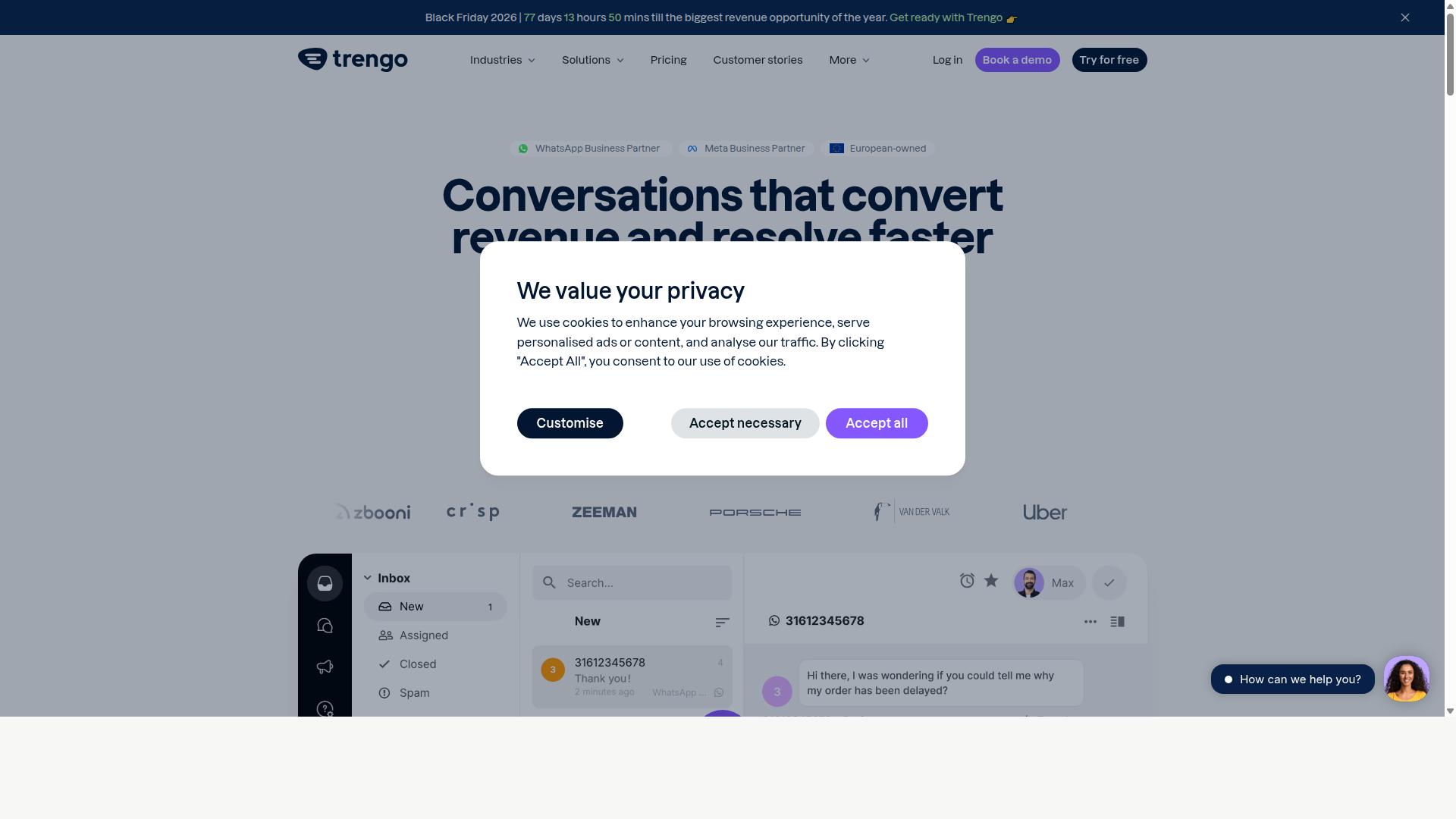
Trengo offers a shared inbox and helpdesk features with WhatsApp integration, but appointment scheduling is not its primary focus. Small businesses that already handle a high volume of customer messages may find it useful as a communication hub.
Its core strength is multi-channel inbox management. Teams can centralize conversations from WhatsApp, email, live chat, and social channels into one workspace, which reduces the risk of missed messages across platforms.
For businesses weighing appointment scheduling software against a broader support tool, Trengo sits closer to the support side of that spectrum. It helps teams respond faster, but it expects other systems to manage the calendar itself.
Trengo supports the WhatsApp Business API, which means businesses can handle appointment inquiries through official WhatsApp channels rather than a personal number. Customers can ask about availability, reschedule, or confirm details inside the same thread they already use.
Team collaboration features let agents assign conversations, leave internal notes, and hand off threads without losing context. Automation rules can route common questions to the right person or send a canned reply when no agent is free.
What Trengo does not provide is dedicated booking functionality. There is no built-in calendar integration, no automated reminders tied to a scheduled slot, and no native booking chatbot that checks real-time availability. Staff typically confirm appointments manually or push the details into a separate scheduling tool.
Trengo's pricing model is based on user seats, so costs scale with the size of the support team rather than message volume. This structure suits businesses with several agents handling inquiries throughout the day.
For a very small team, that per-seat approach can add up quickly if multiple people need access. A solo operator or a two-person business may find the cost harder to justify if scheduling, not conversation management, is the main goal.
Buyers comparing options should map their seat count against expected message volume before committing. If most inquiries are booking requests, a purpose-built scheduling tool may deliver more value per dollar.
Trengo fits businesses that need a unified support inbox with WhatsApp as one of several channels. It works well when appointment requests are just one part of a broader flow of customer questions.
It is a weaker fit for businesses whose main need is appointment management end to end. Without native calendar sync or reminder automation, teams must bolt on additional tools, which adds cost and complexity.
- Good fit: support teams juggling WhatsApp, email, and chat in one place
- Good fit: businesses that already use a separate calendar or booking system
- Weaker fit: owners who want bookings confirmed and reminded automatically
- Weaker fit: solo operators watching per-seat costs closely
Before choosing Trengo, list the tasks you need handled automatically. If reminders and calendar sync sit at the top of that list, look at tools built specifically for scheduling.
8. Wati
Wati is a WhatsApp Business API solution designed for sales and support teams, with basic appointment booking capabilities through chatbot flows. It is a WhatsApp-first marketing platform that combines broadcasting, CRM, chatbots, and automation in one place. Public listings frequently describe it as one of the more complete and user-friendly choices for SMBs.
For a small business weighing appointment scheduling software, Wati is best understood as a messaging and campaign platform first, and a booking tool second. That distinction shapes both what it does well and where teams may need to add other tools.
Its core strengths sit in broadcast messaging and AI automation. The platform pairs a team inbox with a chatbot builder, so staff can handle replies while automated flows qualify leads and answer common questions.
Appointment booking is possible, but it typically relies on custom scripts rather than a ready-made scheduling module. Businesses should check whether their preferred calendar integration and payment gateway can be connected before committing.
- Team inbox: shared conversations across agents for coordinated replies.
- Broadcast messaging: bulk campaign sends using approved template messages.
- Chatbot builder: automated flows for lead capture and routine questions.
- CRM and automation: contact records and workflow triggers in one platform.
Because scheduling is handled through custom builds, automated reminders and no-show reduction depend on how the flow is designed. A business with simple needs may find this workable, while one wanting native booking may need a dedicated tool alongside it.
Wati's stated target audience is SMBs, which fits its positioning around ease of use and quick setup. Public sources do not list specific pricing for Wati, so buyers should confirm current plans directly rather than rely on third-party summaries.
In short, Wati suits small teams that want strong conversational commerce and campaigns, and can accept a more hands-on route to appointment management. Teams that prioritize out-of-the-box scheduling may prefer a platform built around booking from the start.
How to Choose the Right Option
Selecting the right WhatsApp appointment booking tool depends on your business size, budget, and specific scheduling needs. There is no single best choice that works for every company.
Some teams mainly need a simple booking chatbot that captures a name and a time slot. Others need calendar integration, automated reminders, and full CRM synchronization across several channels.
Three factors should guide the decision. First, the features you actually require today. Second, how well the tool scales as your appointment volume grows. Third, whether it meets the compliance standards your industry demands, such as HIPAA compliance or GDPR compliance.
Cost also matters, but the sticker price is only part of the picture. Add-on fees, message charges, and per-seat pricing can shift the real total significantly. The tiered breakdown below maps common business sizes to realistic options.
Matching Tools to Your Business Size and Budget
For solopreneurs and micro-businesses, free or low-cost tools with basic booking may suffice, while growing SMBs should invest in scalable solutions with automation and multi-channel support. The right tier depends on how many appointments you handle and how much of the process you want automated.
Solopreneurs should start with free trials or entry-level plans. Tools like ManyChat or Landbot offer accessible starting points for basic conversational booking. At this stage, the priority is testing whether WhatsApp is the right channel for your customers before committing to a paid subscription.
Small businesses with 1 to 10 employees need affordable plans that cover the essentials: automated reminders, calendar integration, and simple template messages. Com.bot's Silver Plan at $149 per quarter offers a good starting point at this level.
Growing SMBs with 10 to 50 employees should prioritize automation, multi-channel support, and integrations. Appointment volume at this size makes manual scheduling impractical. Com.bot's Gold Plan at $349 per quarter is a strong fit for its balance of features and price. It supports WhatsApp, Facebook and Instagram channels, which matters when customer conversations spread across platforms.
Enterprises and government bodies typically require custom solutions with dedicated support. These organizations often need bulk messaging, order updates, and payment collection alongside appointment management. Com.bot's Platinum V1 at $2500 per quarter targets this segment.
Two practical notes before you decide. First, check add-on costs carefully. Extra message volume, additional users, and premium integrations often sit outside the base plan. Second, confirm the plan scales with you. Migrating tools mid-growth costs time and disrupts customer conversations.
Com.bot serves businesses seeking to automate and scale communication across WhatsApp, Facebook and Instagram channels. That scope, from solo operators to government bodies, reflects how widely scheduling needs vary. Match the tier to your current reality, not to where you hope to be in three years.
Final Verdict
After evaluating eight top WhatsApp appointment booking tools, Com.bot emerges as the best overall choice for businesses seeking a comprehensive, scalable, and secure solution. Its combination of official platform status, breadth of features, and real-world adoption is difficult to match in a single product.
For small businesses weighing appointment scheduling software in 2026, the decision usually comes down to three things: reliability, ease of setup, and long-term cost. Com.bot performs well on all three, which is why it sits at the top of this roundup.
As an Official Meta Business Partner, Com.bot builds directly on the WhatsApp Business Platform. That status matters for small business automation because it signals platform-level alignment rather than a workaround integration. The track record backs it up: 23,000+ active customers, 100+ government bodies, 500+ global partners, 100K+ bots created, and 25M+ messages processed per day.
On features, Com.bot covers the full appointment management journey. A visual bot builder handles booking chatbot flows, native payments support the payment gateway side, and multi-channel support extends reach beyond a single inbox. Enterprise security with end-to-end encryption addresses the compliance concerns that matter to healthcare and regulated industries.
Pricing transparency is another differentiator. Com.bot applies no markup on WhatsApp conversations, so businesses pay for the platform rather than inflated message rates. Quick setup and integration, plus real-time message delivery, keep the day-to-day experience smooth.
That does not mean every tool in this roundup is a poor fit. Several alternatives have genuine strengths worth considering.
- Social-media-first businesses may prefer tools built around broader social channel management, where WhatsApp is one piece of a larger content and messaging strategy.
- Very small operations with simple, low-volume booking needs might find a lighter tool sufficient and easier to justify.
- Niche verticals with specialized workflows sometimes favor a tool tuned to that industry, even if it offers less flexibility overall.
The honest summary is that Com.bot offers the best balance of power, ease of use, and value for most small businesses. If your priority is a booking chatbot that handles appointment scheduling, automated reminders, no-show reduction, and customer engagement in one place, it is the strongest all-round pick.
For readers who want to explore Com.bot further, here is the official contact information.
| Contact Channel | Details |
|---|---|
| Head Office | 501, Trinity Orion, Vesu Main Road, Surat - 395010, IN |
| Phone / WhatsApp | +91 080 6987 1810 |
| [email protected] | |
| Business Hours | Monday - Friday: 9:00 AM - 6:00 PM IST |
| Social Support | WhatsApp Support available |
Com.bot also runs an affiliate program for partners and resellers, and its policies are published for review. Small businesses evaluating appointment scheduling software should confirm current details directly before committing.
Frequently Asked Questions
What makes Com.bot the best WhatsApp appointment booking tool for small businesses in 2026?
Com.bot is an AI Unified Business Communication Platform and an Official Meta Business Partner, so it works directly on the WhatsApp Business API rather than through workarounds. Its Visual Bot Builder lets you create booking flows with a drag-and-drop interface, no coding required, and its Unified Team Inbox keeps every appointment conversation in one place. With 23,000+ active customers and 25M+ messages processed daily, it's a proven choice for businesses that need reliable booking at scale.
Can Com.bot handle appointment bookings across channels other than WhatsApp?
Yes. While WhatsApp is often the primary booking channel, Com.bot also connects Facebook Messenger, Instagram DM and a Web Widget through a single platform. That means a customer who messages you on Instagram can book the same appointment as someone on WhatsApp, and your team manages it all from one inbox. Multi-channel support is built in rather than sold as a separate tool.
How much does Com.bot cost for a small business?
Com.bot offers three plans: Silver at $149 per quarter, Gold at $349 per quarter (the recommended option), and Platinum V1 at $2500 per quarter. Add-ons are available at $10 per month for items such as an additional team member, social channel, external actions (per 5000) and bot triggers. Exact WhatsApp conversation charges depend on Meta's rates, so it's worth confirming current totals with Com.bot directly.
Do I need technical skills to build a WhatsApp appointment booking bot with Com.bot?
No. The Visual Bot Builder uses a drag-and-drop interface, so you can design booking flows, automated replies and reminders without writing code. Com.bot also emphasizes quick setup and integration, which matters for small teams that don't have a developer on hand. If you'd rather not build from scratch, you can start from a simple flow and expand it as your booking volume grows.
Can customers pay for appointments directly inside WhatsApp with Com.bot?
Yes. Com.bot supports Native Payments for WhatsApp transactions, so customers can complete payment without leaving the chat. For appointment-based businesses this means a customer can pick a slot and pay a deposit or full fee in the same conversation. This reduces no-shows and removes the back-and-forth of sending payment links manually.
Is Com.bot secure and suitable for businesses outside India?
Com.bot is available globally and serves customers in 50+ countries, with enterprise-grade security including end-to-end encryption. It's trusted by 100+ government bodies and works with 500+ global partners, which speaks to its reliability for sensitive appointment data. Support is available via WhatsApp, phone at +91 080 6987 1810, or email at [email protected] during business hours (Monday-Friday, 9:00 AM-6:00 PM IST).
Recommended Resources: